AI retouching · runs on your computer
Pro portrait retouching in one click.
OpenRetouch is the AI retouching plugin for Photoshop that heals skin, evens light and tone, softens wrinkles, brightens eyes and teeth and cleans your backdrop — privately on your own GPU, as layers you can still edit.
- 9 AI tools
- Editable layers
- No uploads
- 8 & 16-bit
- Batch folders
- Windows · macOS
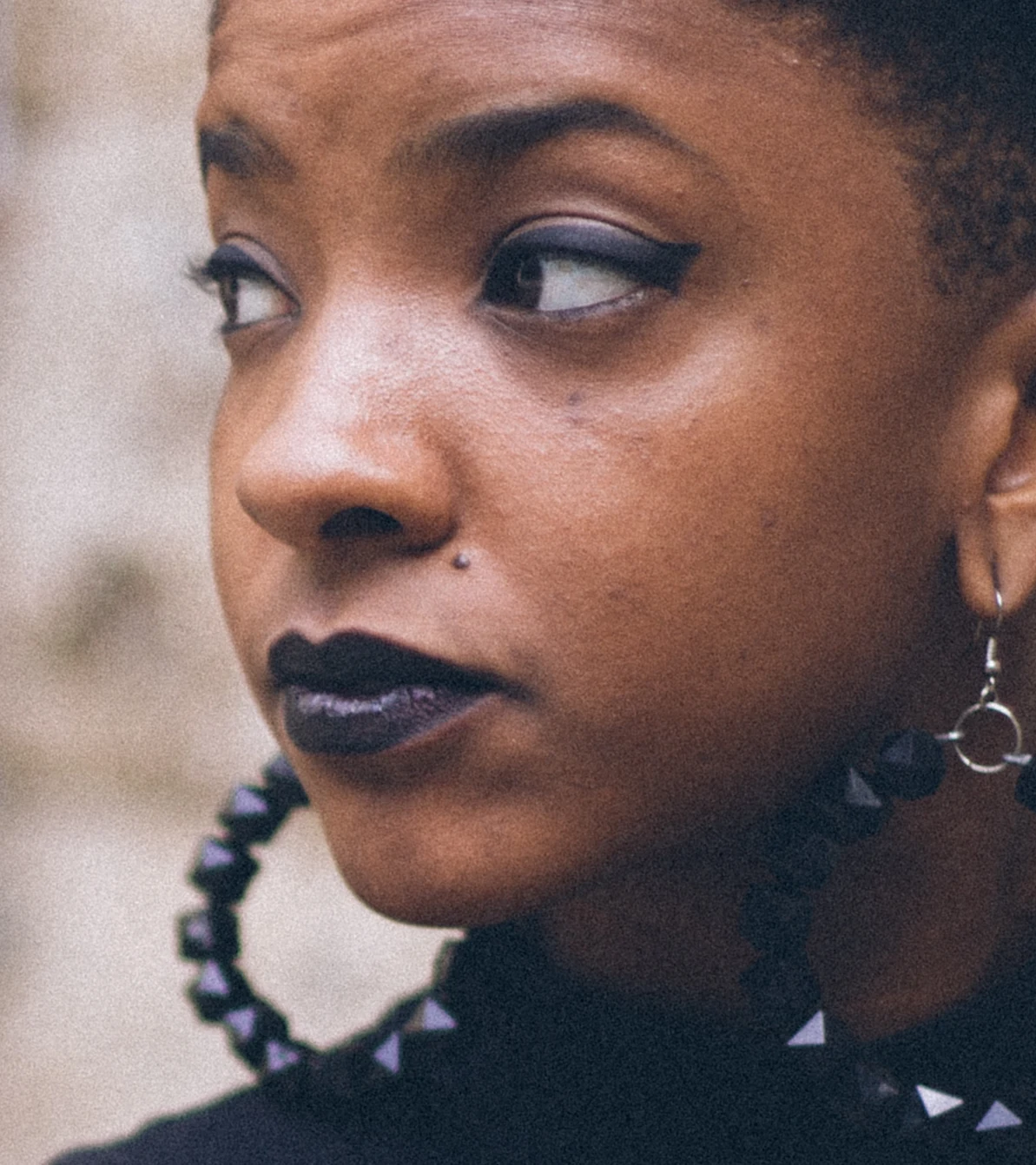
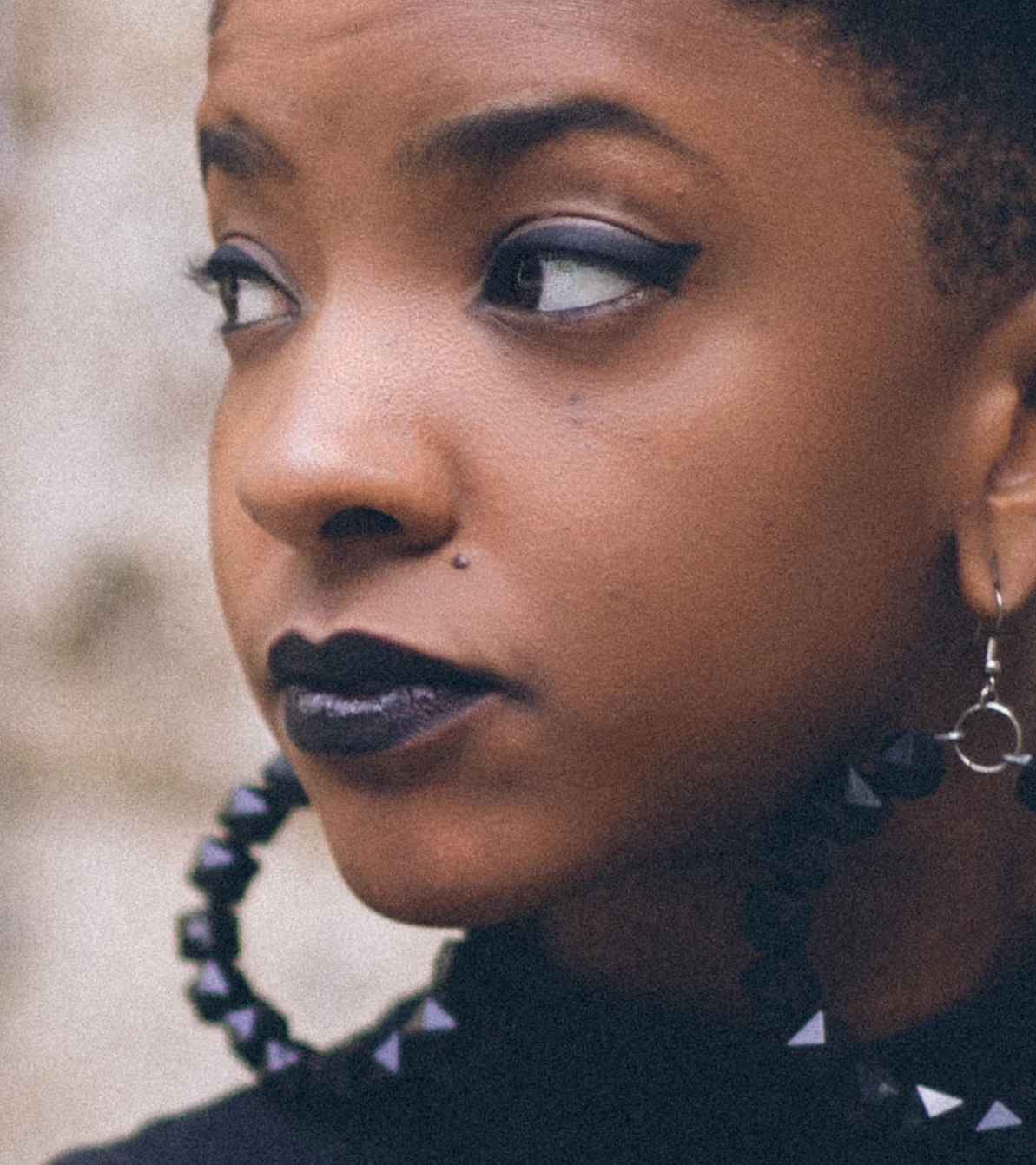 AfterBefore
Drag the handle · Apply all at default settings, real plugin output, no manual edits
See it in action
One click. That easy.
Press Apply all and every tool runs on your own GPU. The result lands as editable layers, and your photos never leave your computer.
Why OpenRetouch
Retouching the way professionals do it
AI finds faces, skin, eyes, teeth and backdrop. Proven retouching techniques — frequency separation, dodge & burn with Curves, texture-preserving healing — do the work. You stay in control.
Runs on your computer
Retouching happens on your own GPU. No uploads, no cloud, no per-image credits — client photos never leave your machine.
Every result is a layer
Nothing is baked in. Each tool adds named, masked layers in an OpenRetouch group — adjust opacity, repaint masks, or turn anything off.
Texture stays real
Tone and texture are retouched separately, the way professionals do it. Pores, freckles and fine detail stay sharp — no plastic skin.
One panel, every tool
Heal, Dodge & Burn, Skin Tone, Mattify, Wrinkles, Eyes, Teeth, Backdrop and Fabric — in a single Photoshop panel, with Apply all.
Batch hundreds of photos
Retouch every open document or a whole folder unattended. Layered PSDs are saved next to your originals, ready to review.
Whole person, not just faces
Neck, shoulders, arms and legs are retouched too — even when clothing separates them from the face.
Before & after
Slide to see the difference
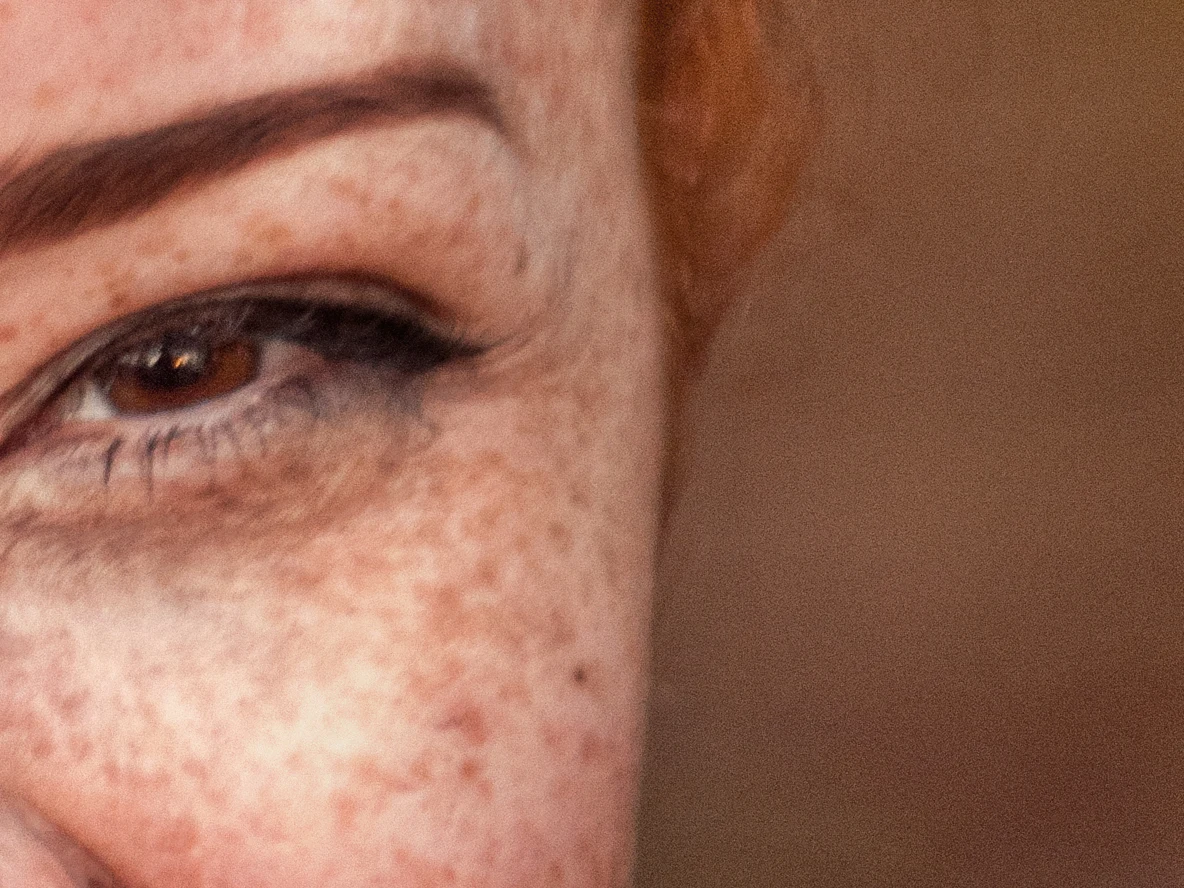
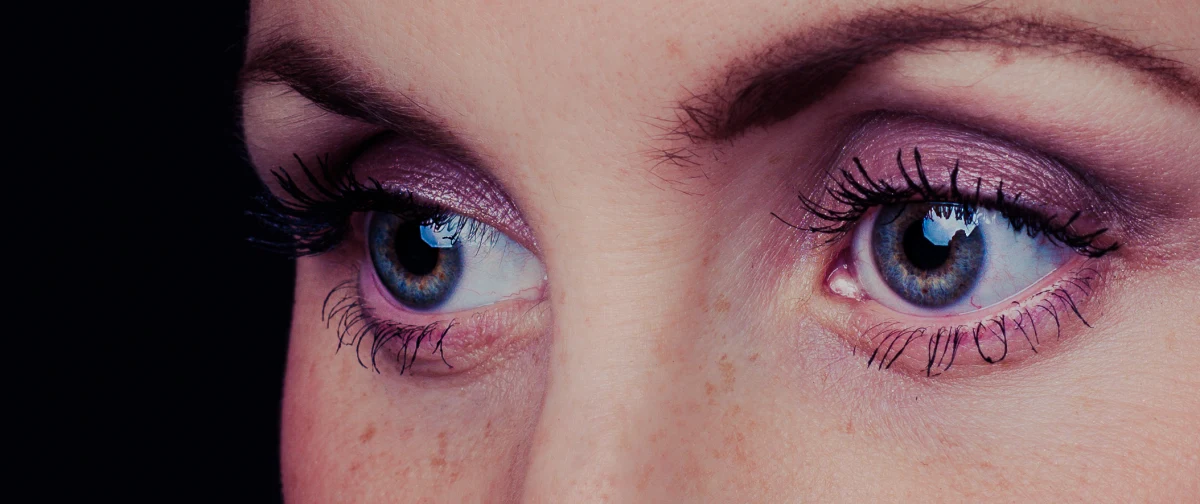
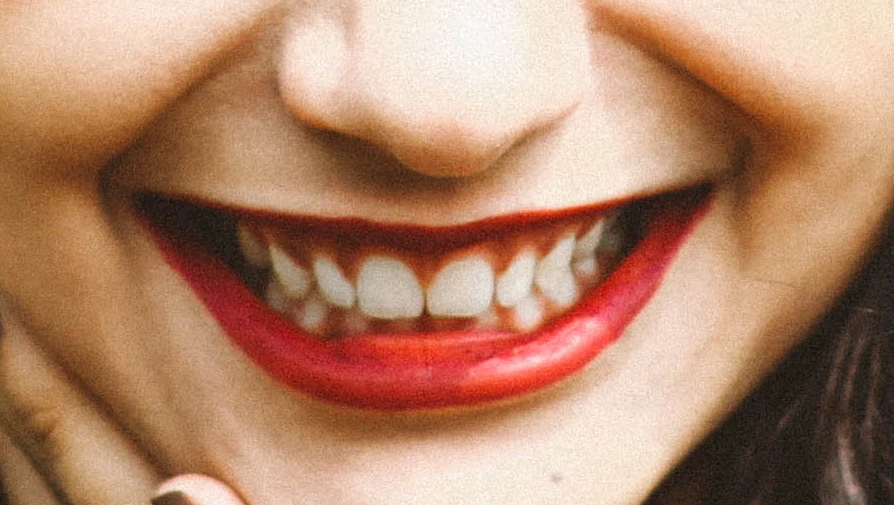
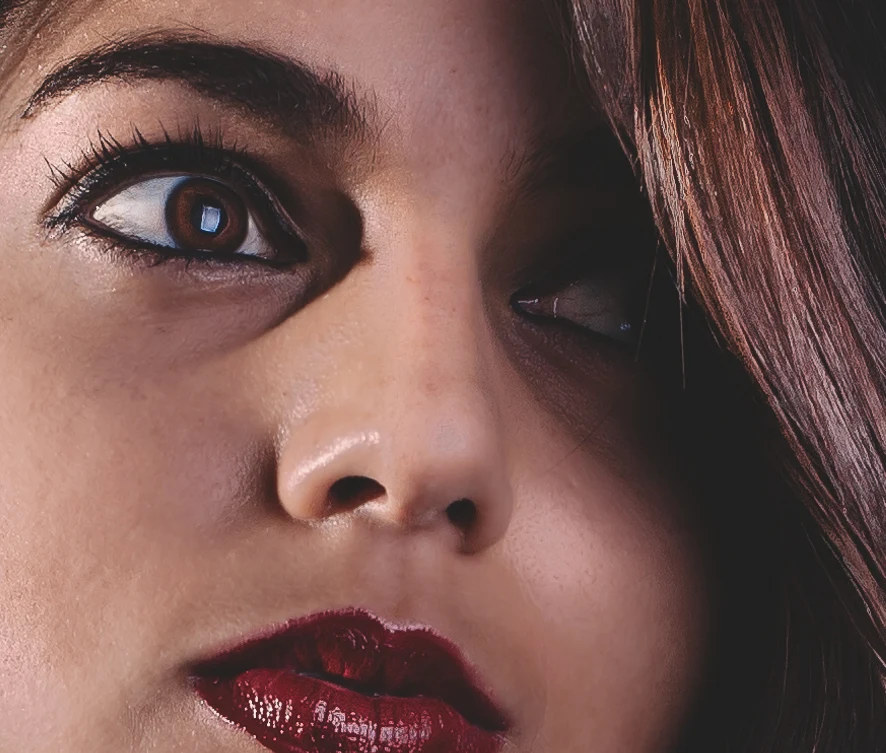
Every image below is real output from the plugin — no manual touch-ups. Drag across each photo to compare.
AfterBefore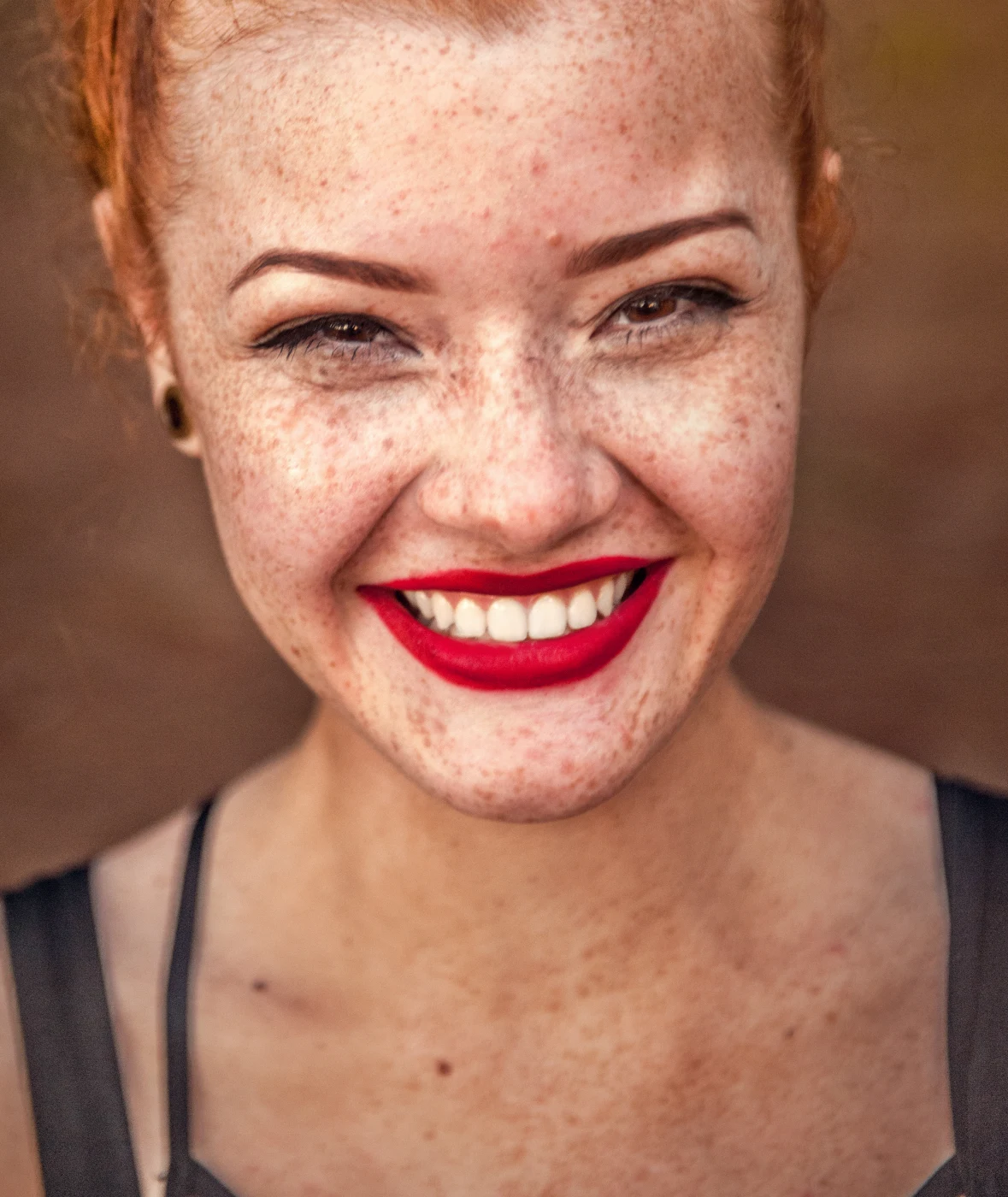
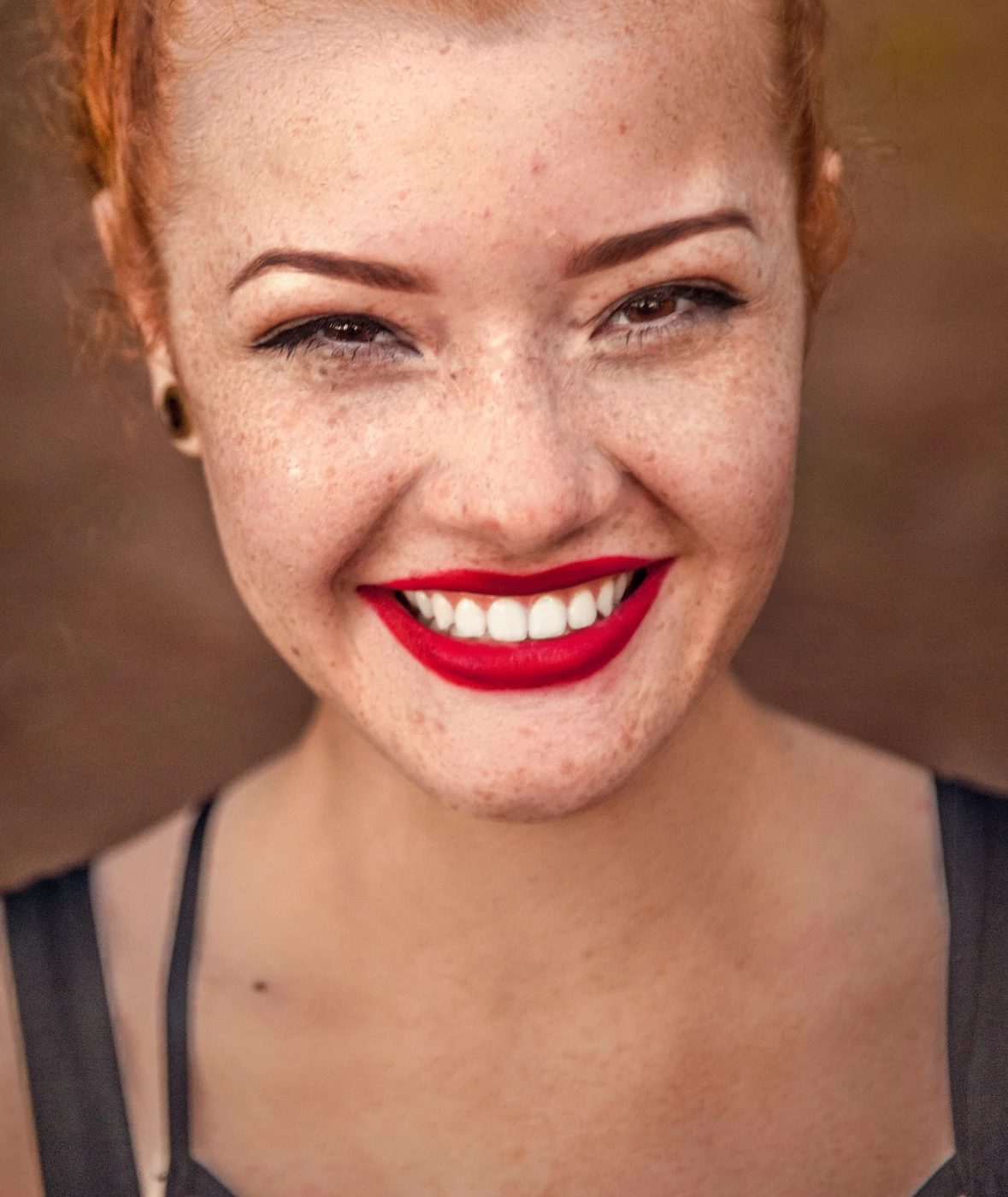 AfterBefore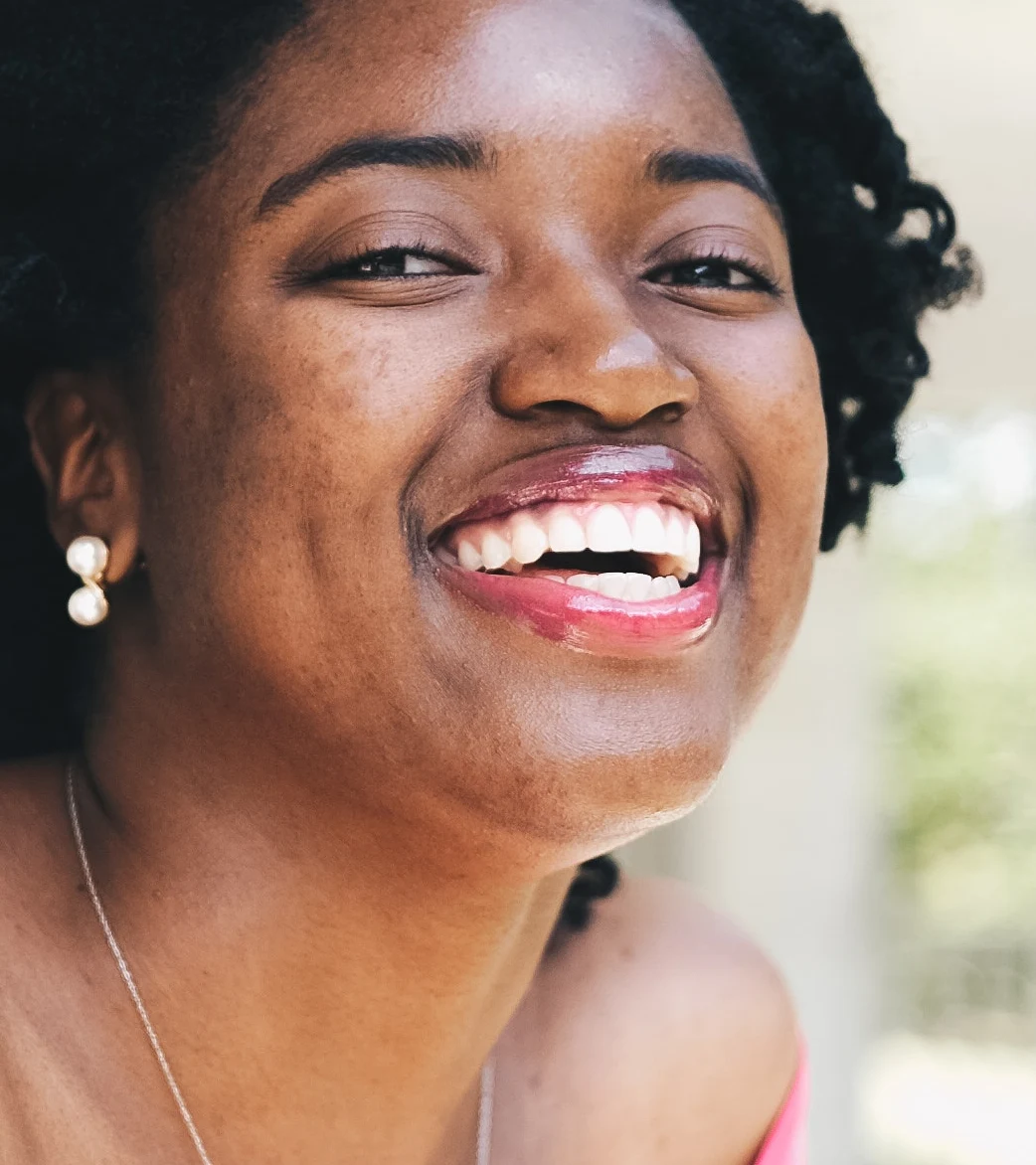
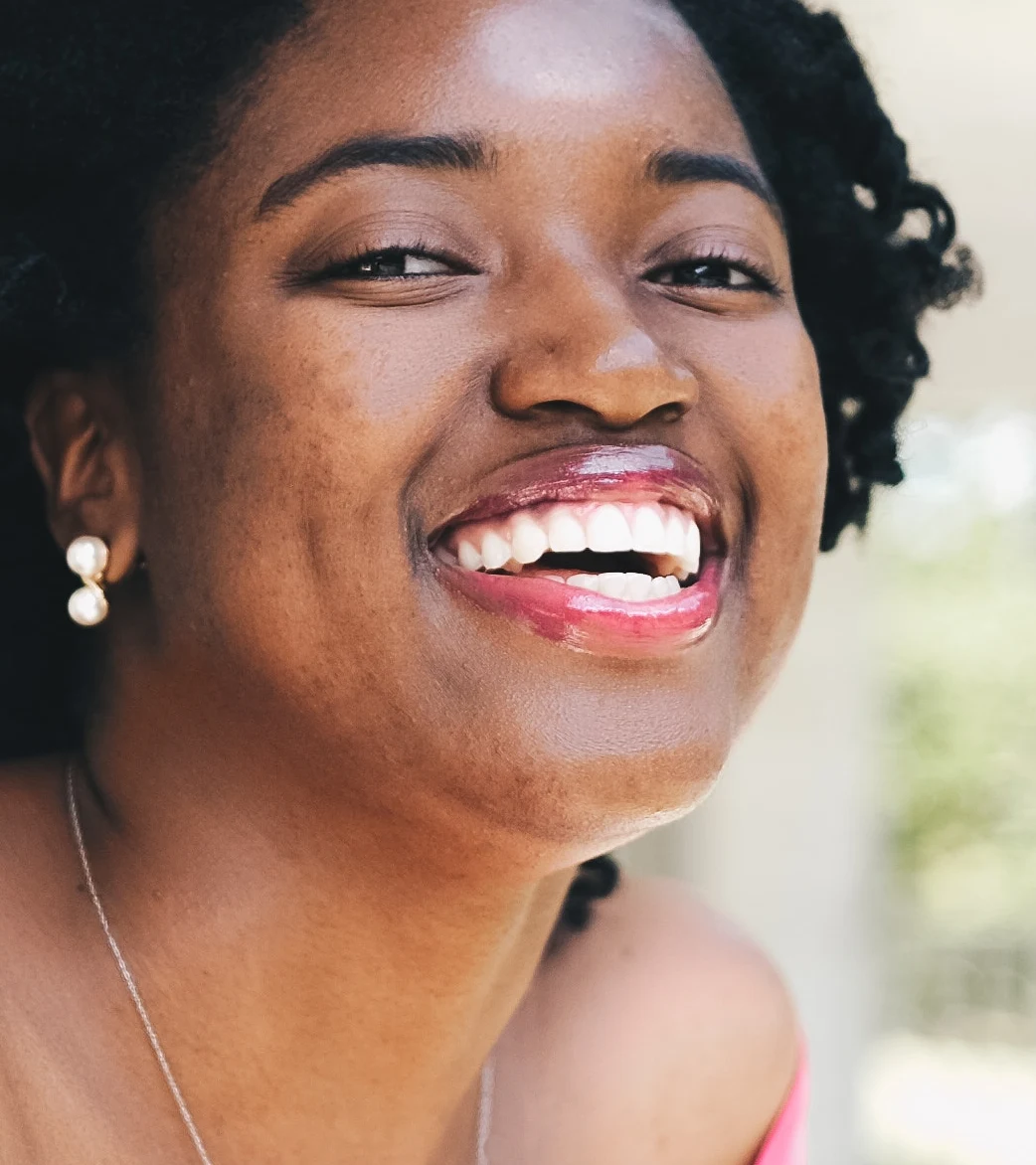 AfterBefore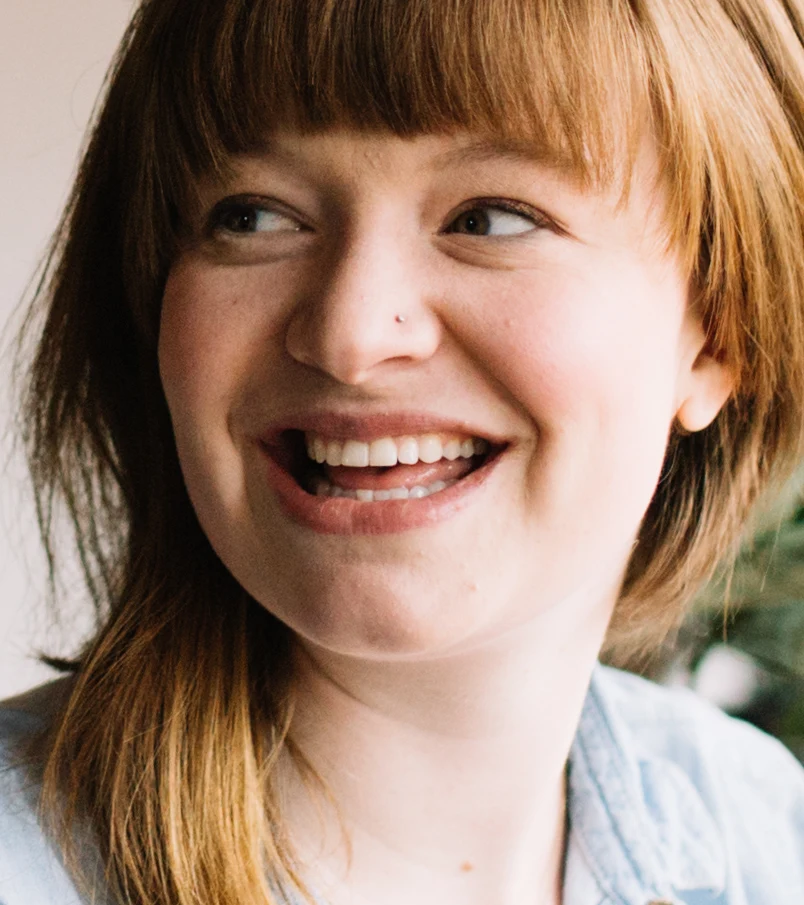
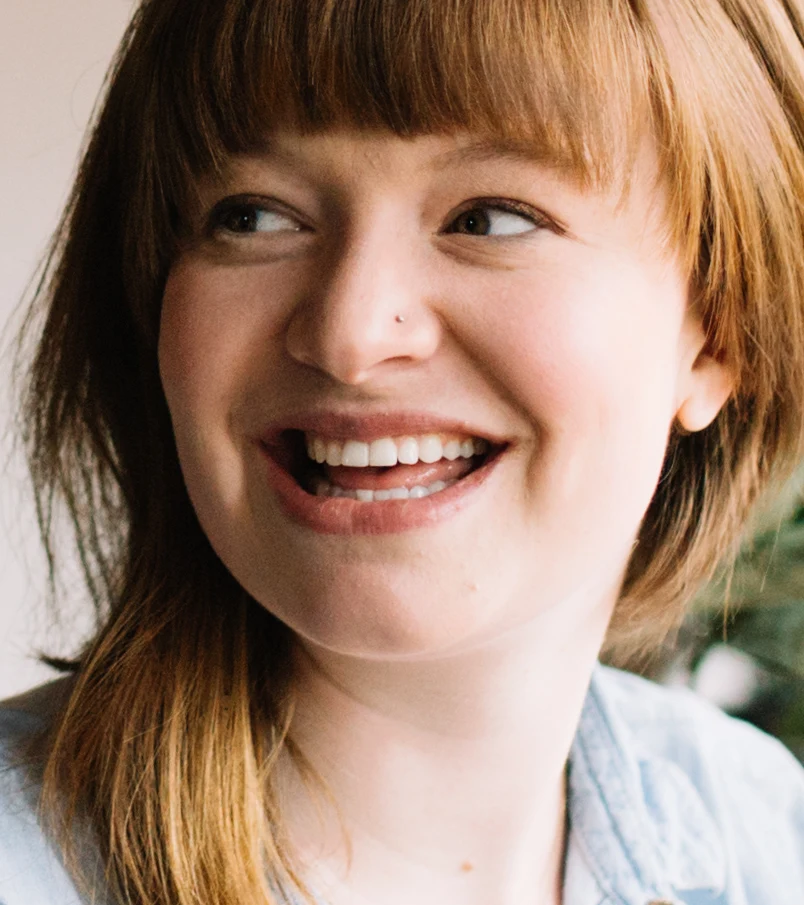 AfterBefore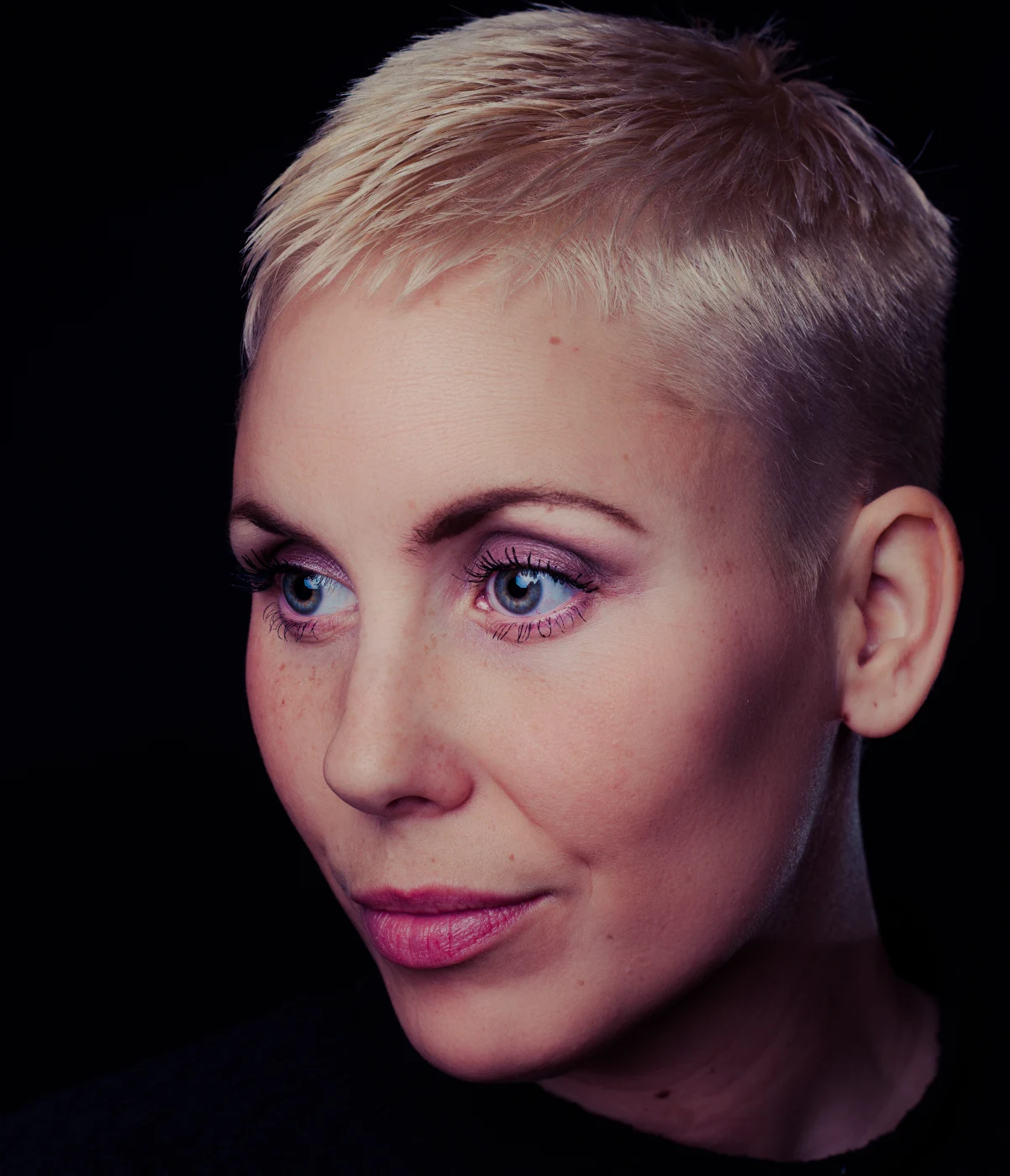
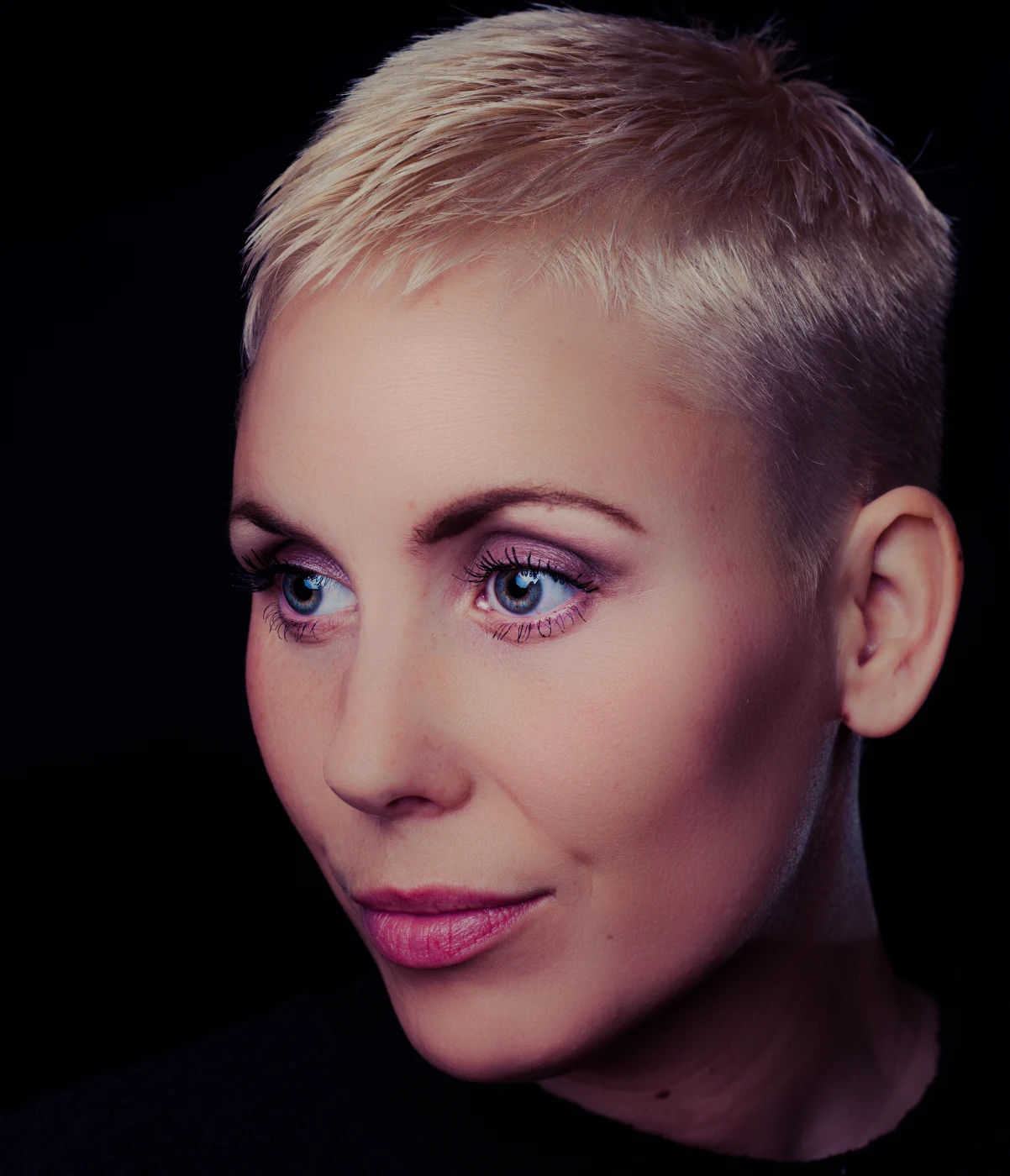 AfterBefore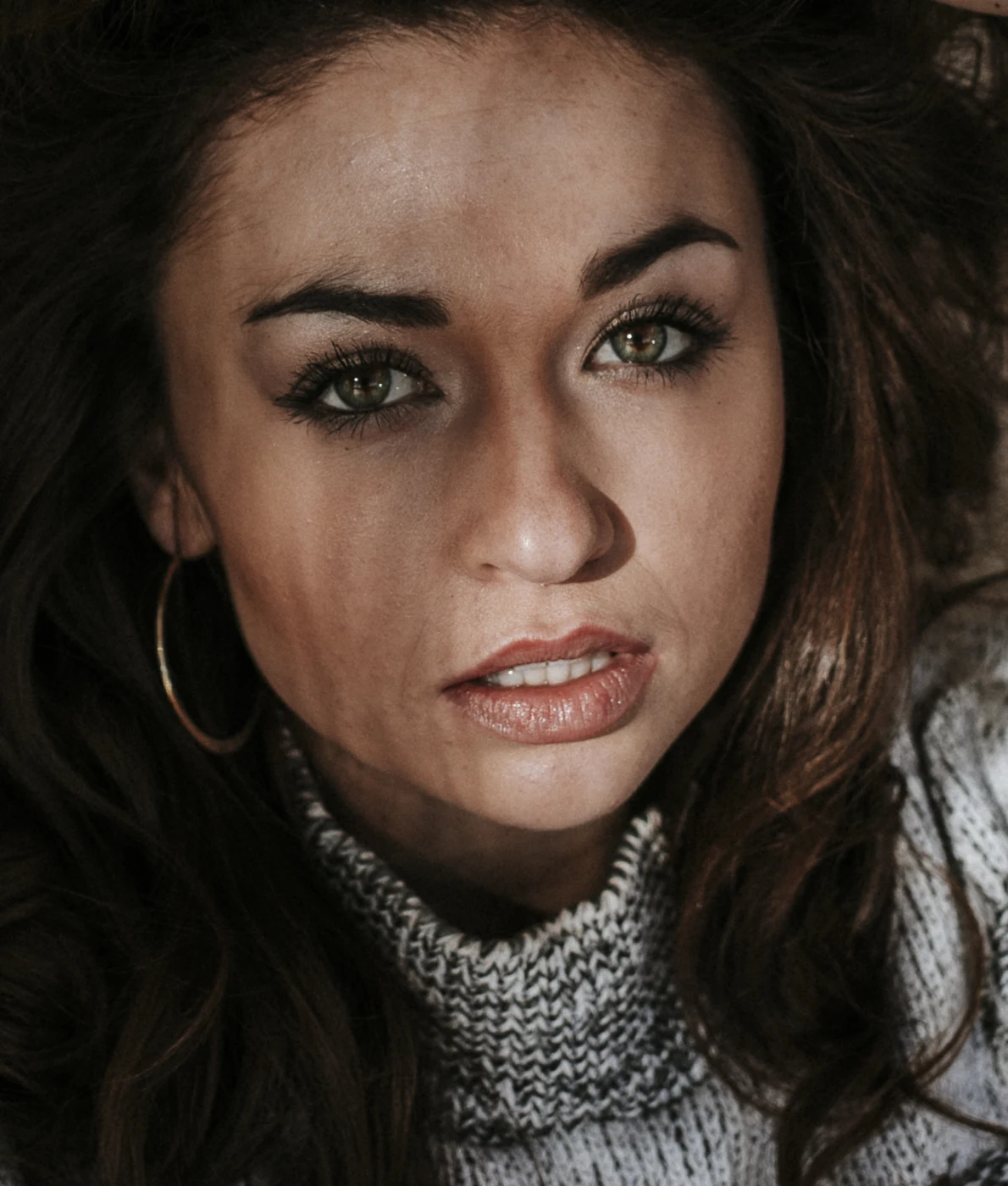
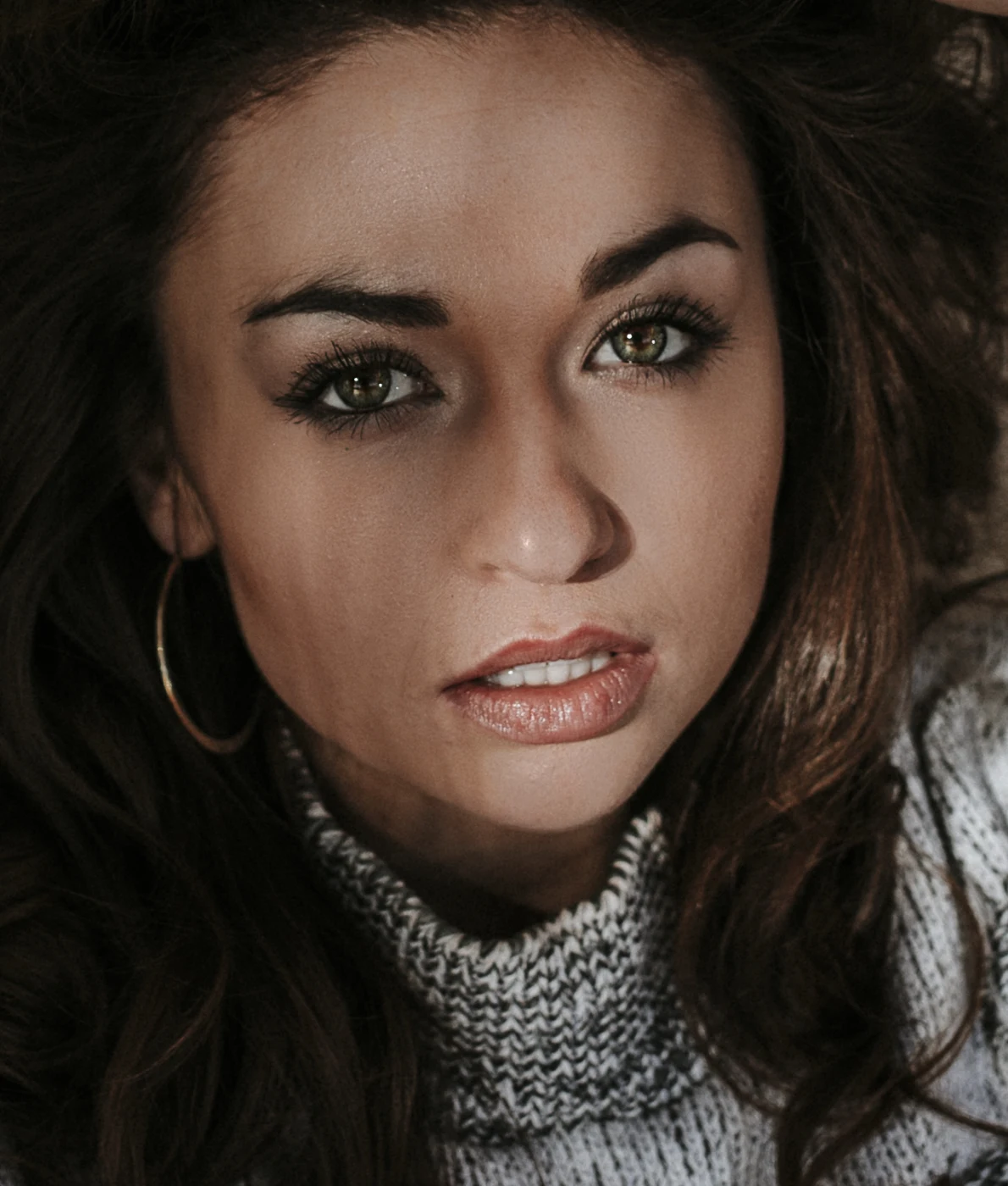 AfterBefore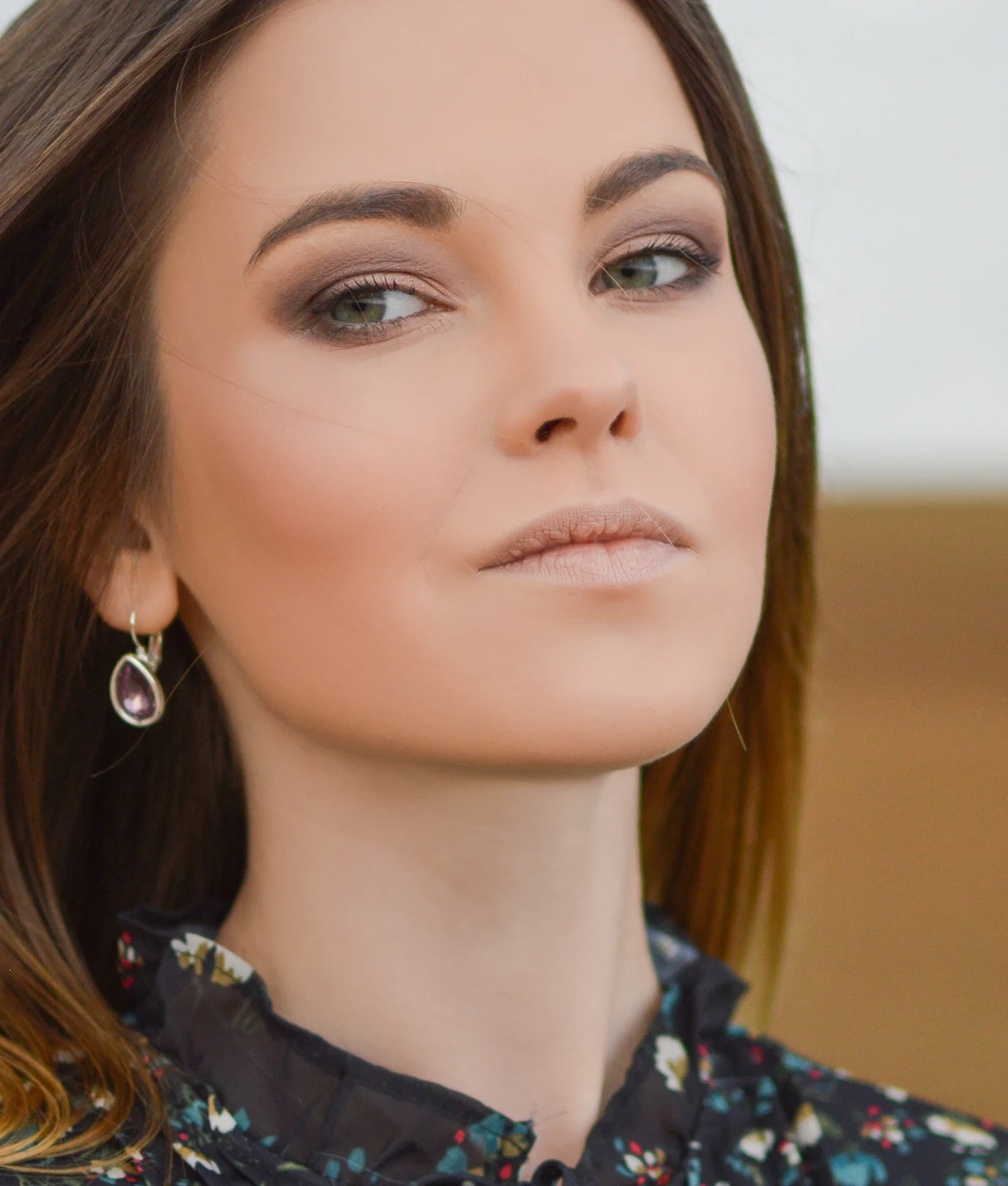
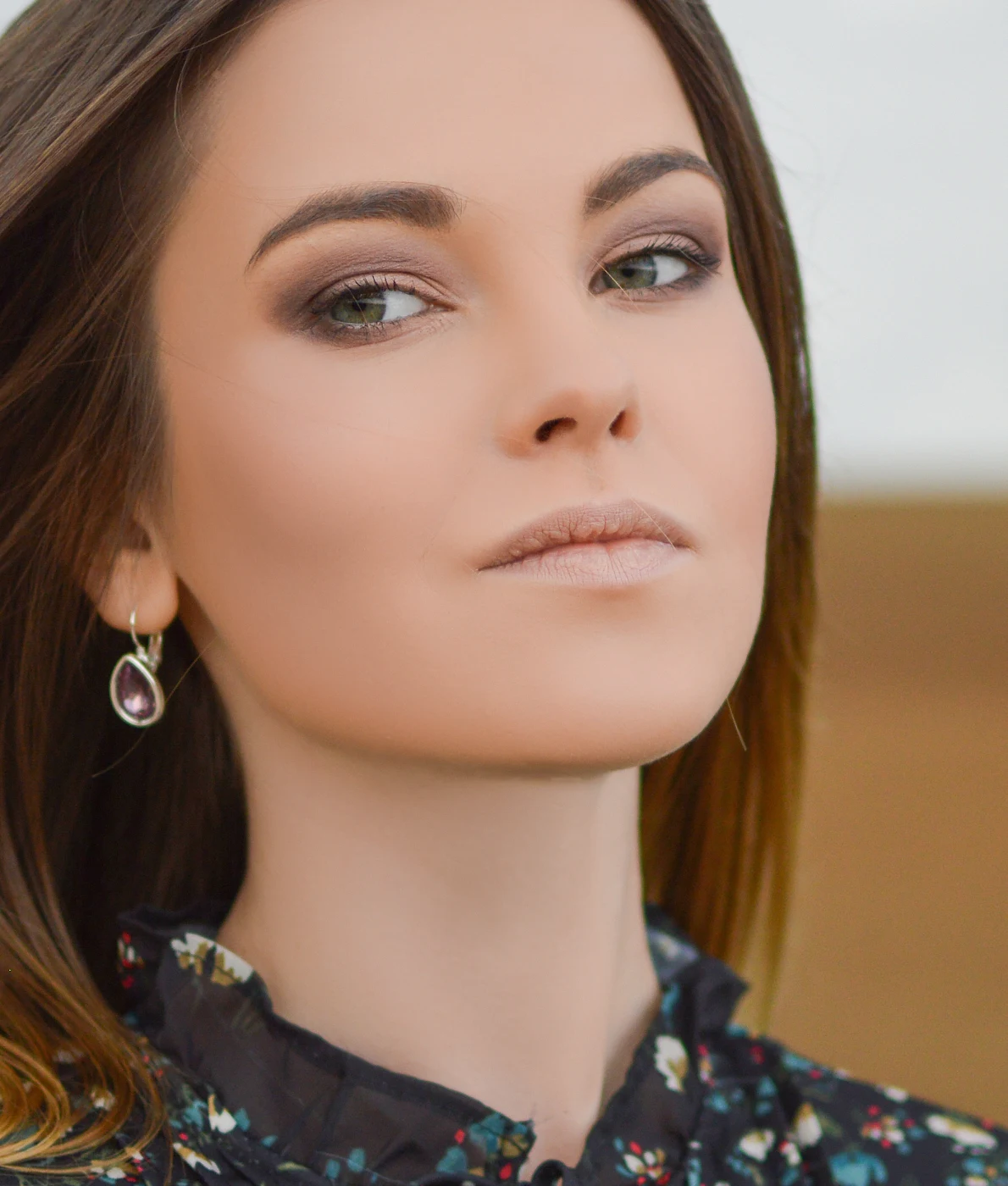 AfterBefore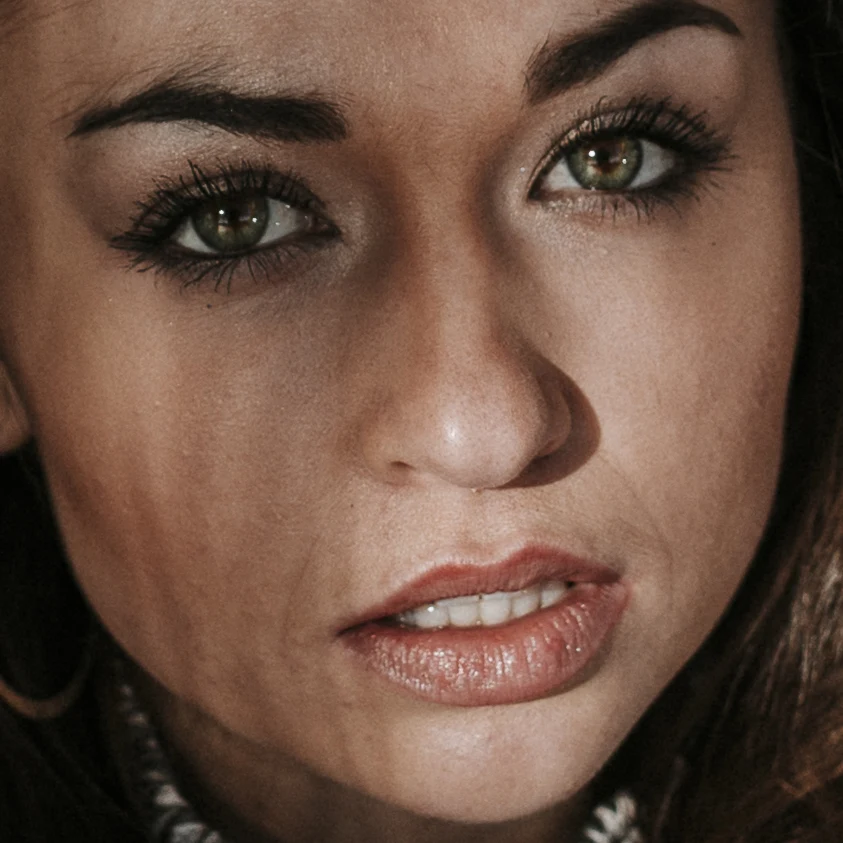
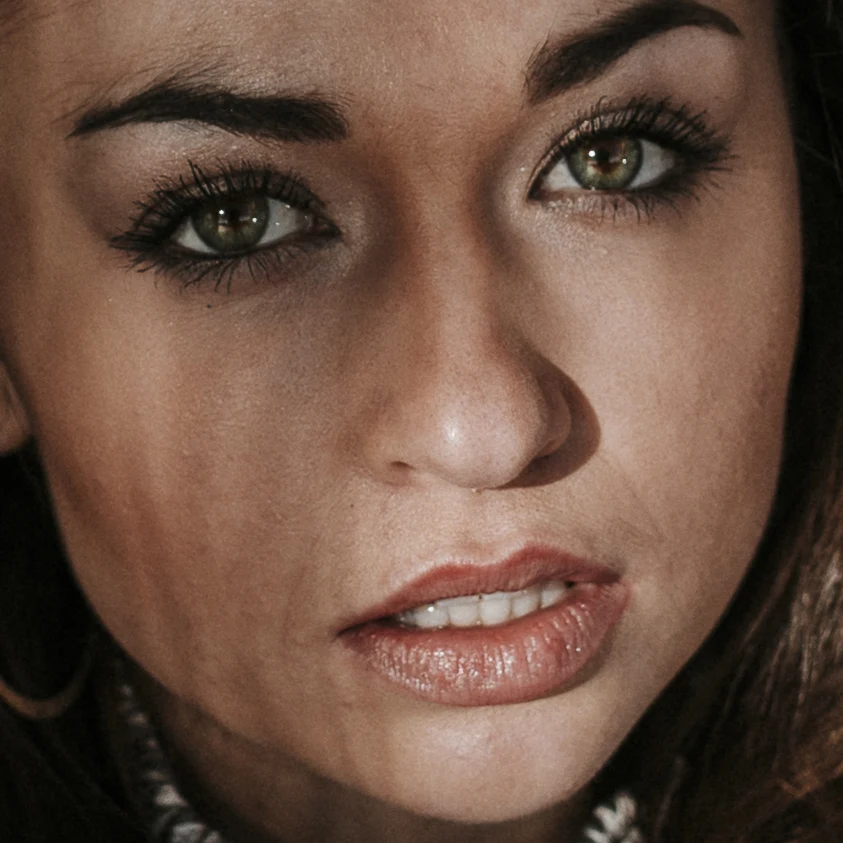 AfterBefore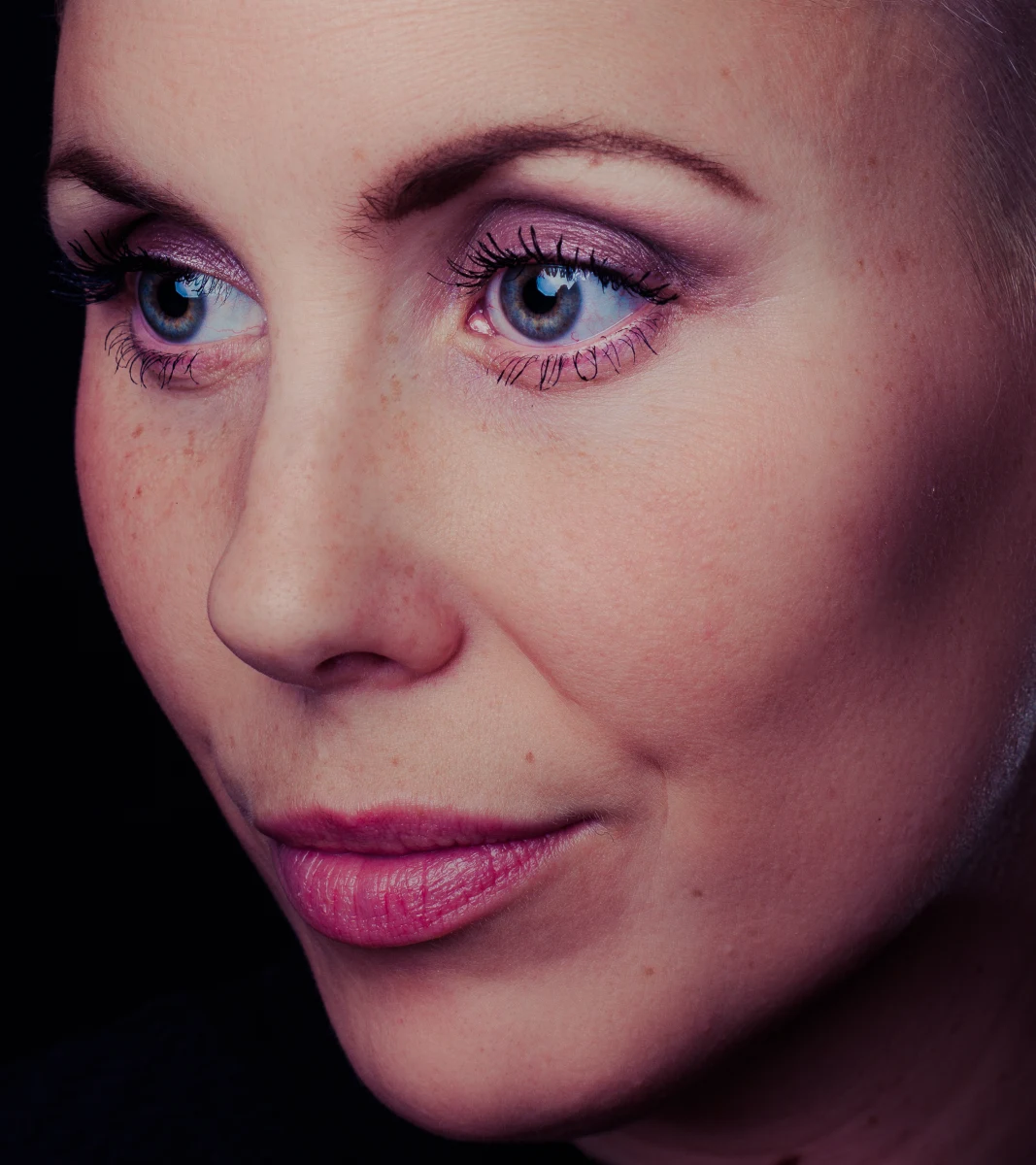
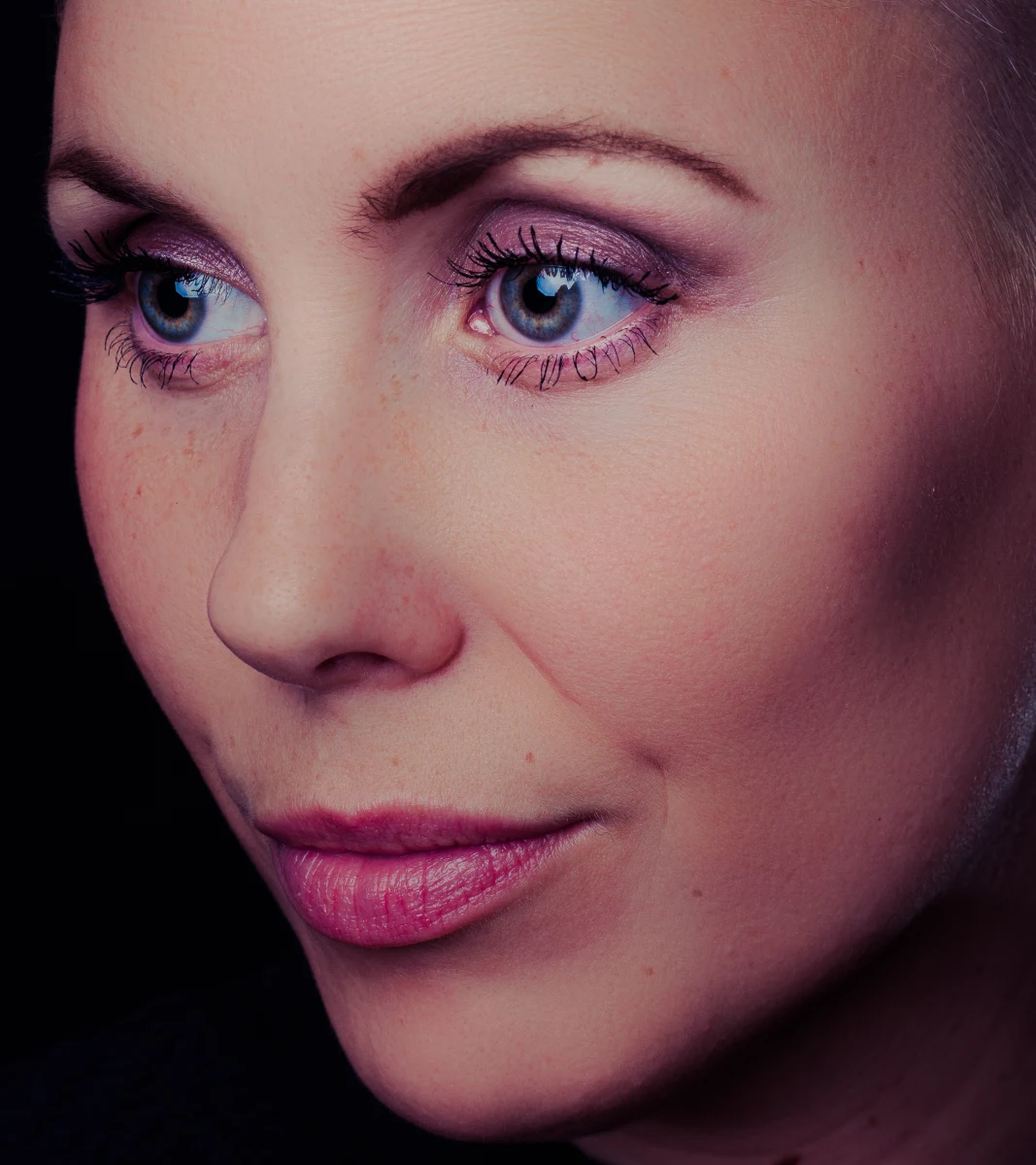 AfterBefore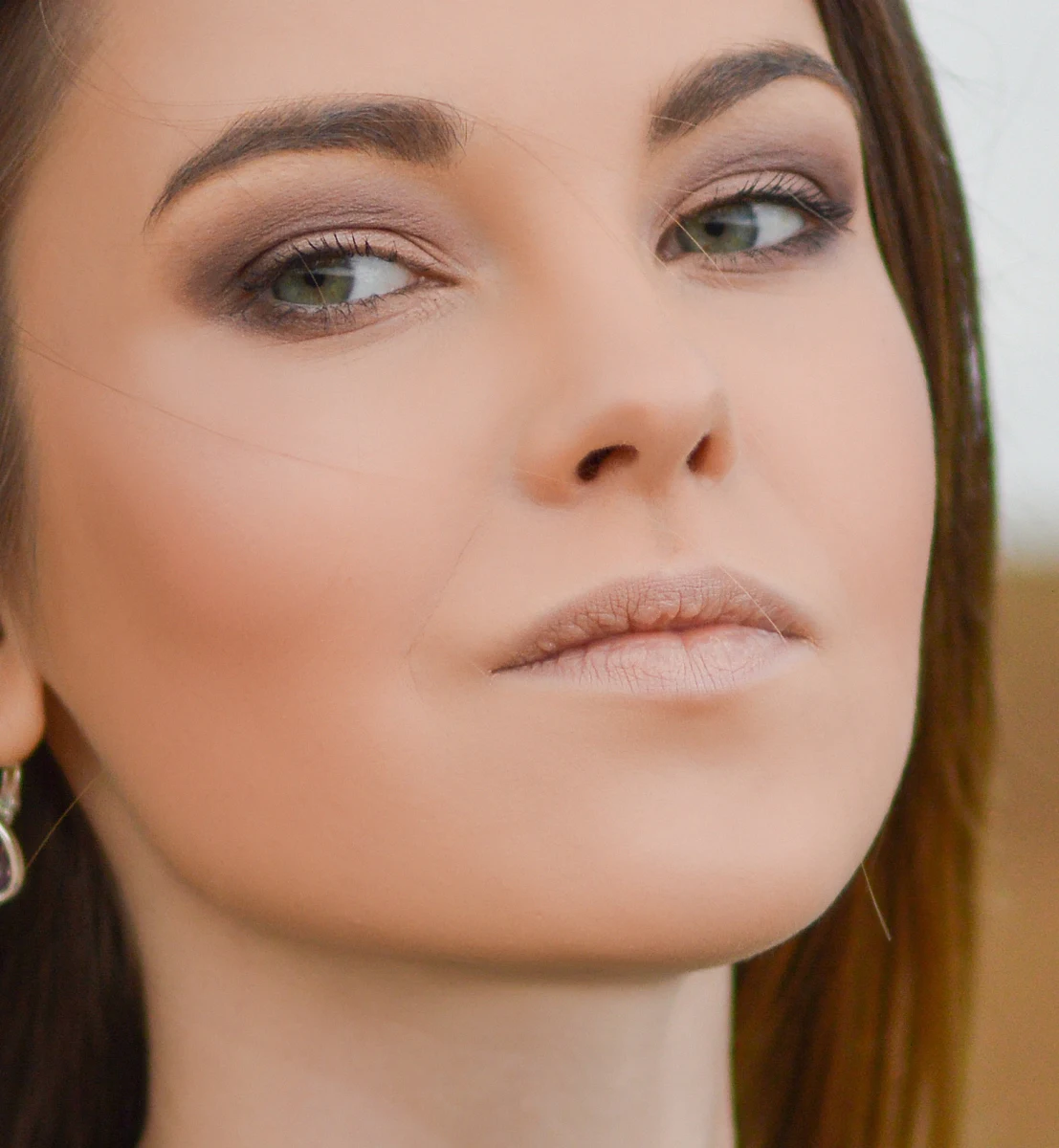
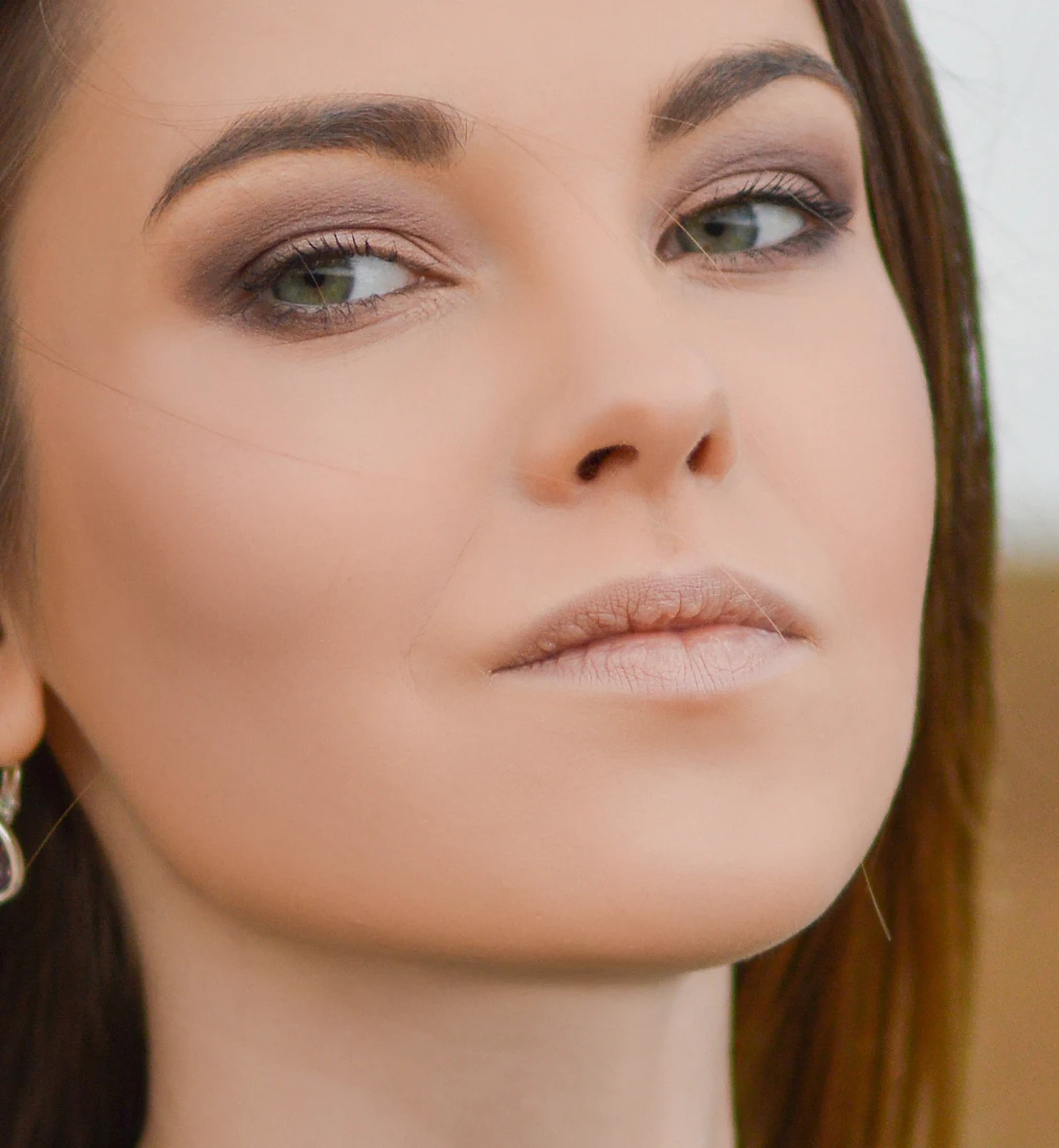 AfterBefore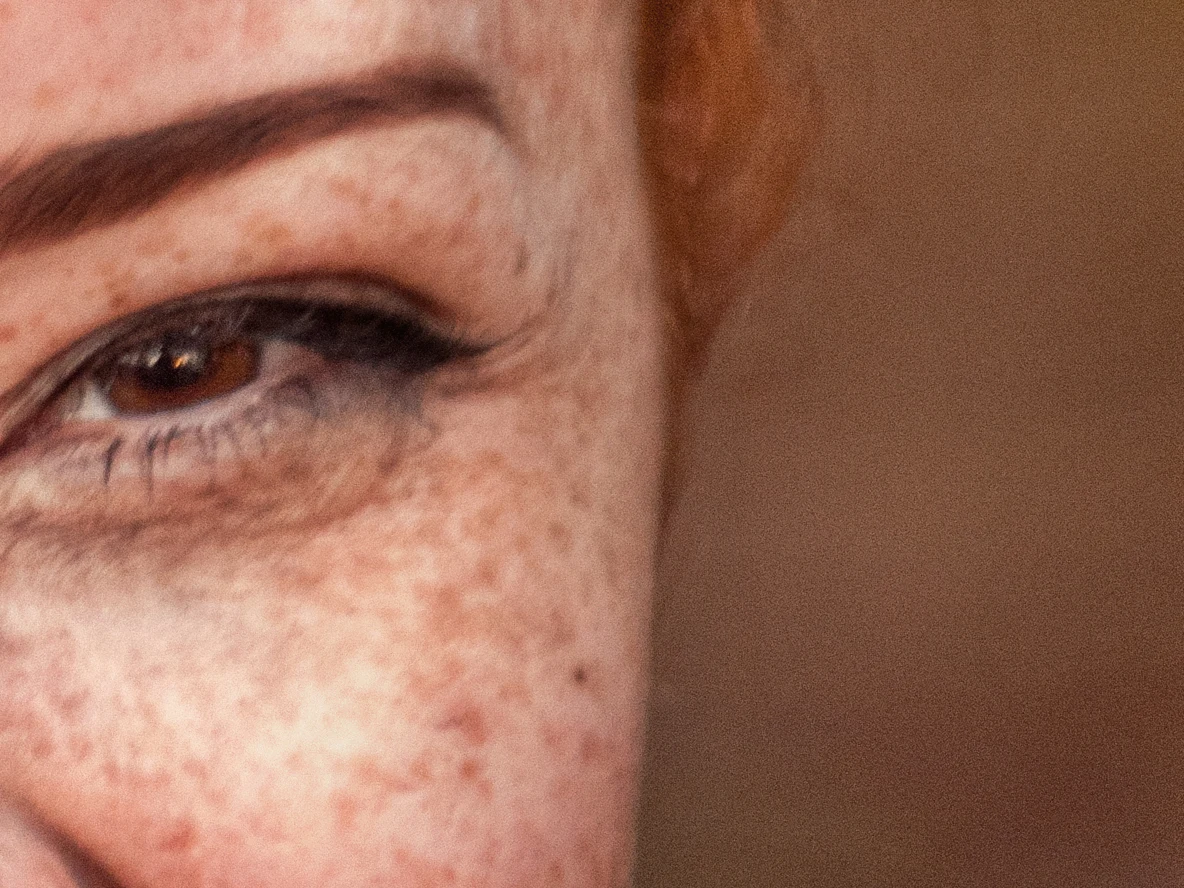
 AfterBefore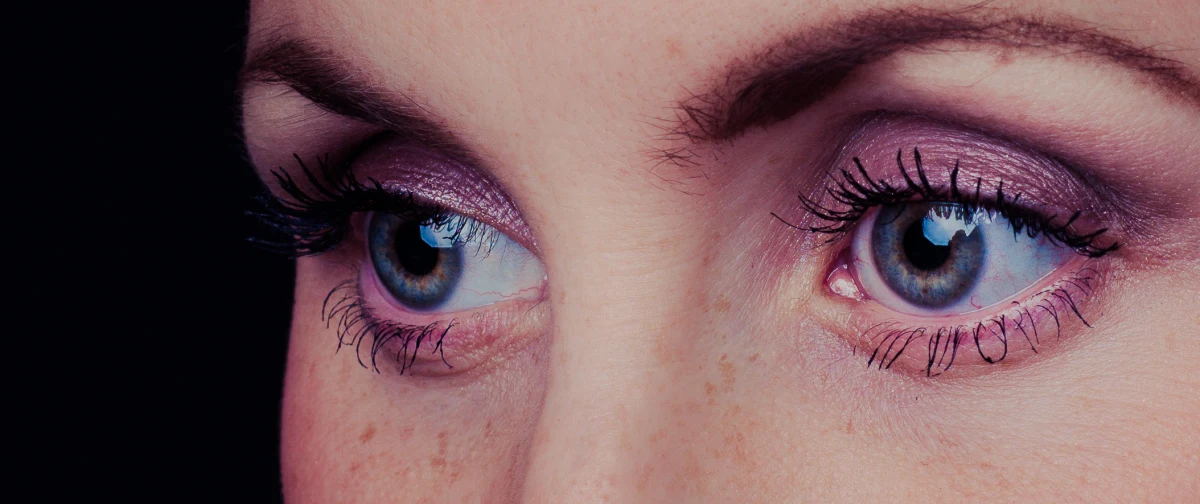
 AfterBefore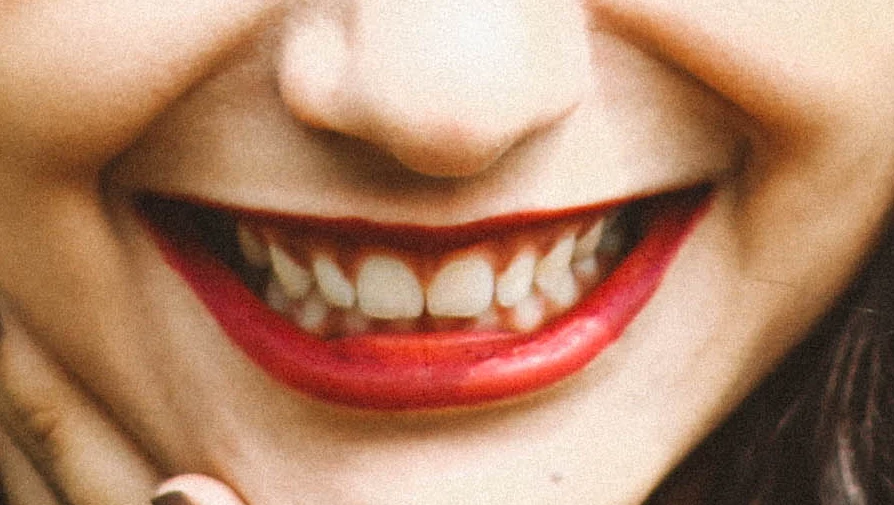
 AfterBefore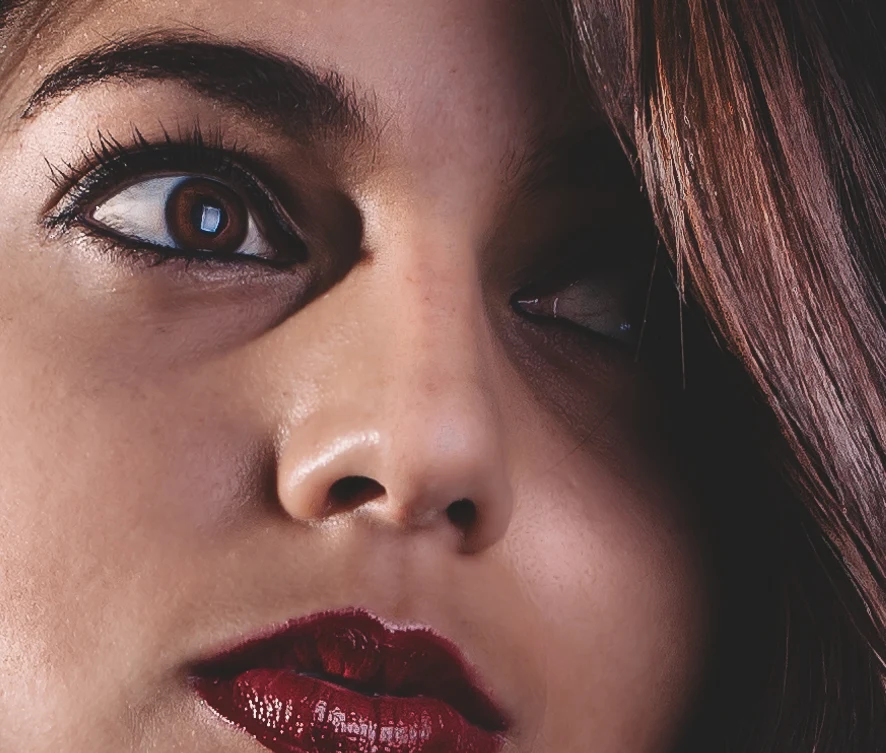
 AfterBefore
 AfterBefore
Every tool, one panel
Twelve tools. One click with Apply all.
Use them one by one, or run the whole retouch in the right order with a single button.
Heal
Spots and blemishes gone, pores and freckles kept.
Learn more →Dodge & Burn
Even light and shadow as two editable Curves layers.
Learn more →Skin Tone
Redness and blotches evened into one natural tone.
Learn more →Mattify
Shine and hot spots tamed, highlights kept.
Learn more →Wrinkles
Soften crow's feet, forehead and neck lines.
Learn more →Eye Bags
Lighten dark circles and soften under-eye shadows.
Learn more →Eyes
Whiter sclera, fewer vessels, brighter irises.
Learn more →Teeth
Natural whitening, gums and lips untouched.
Learn more →Hair
Remove flyaway strands around the hair.
Learn more →Portrait Lift
Subtle jawline, cheek and mouth-corner lift.
Learn more →Clean Backdrop
Dust, scuffs, folds and gradients cleaned up.
Learn more →Fabric
Creases and folds softened, weave and print kept.
Learn more →Non-destructive
Nothing baked in. Ever.
Each tool adds a named group of layers — Curves with masks for dodge & burn, Hue/Saturation for eyes and teeth, clean pixel layers for healing. Every run is a single undo step.
- Adjust any result with opacity or the curve itself
- Repaint masks exactly like manual retouching
- 16-bit documents stay 16-bit, bit-exact
Layers
0
photos uploaded
0
per-image credits
100%
on your GPU
1
click for everything
Private by design
Your clients' photos never leave your computer
OpenRetouch runs its AI models locally on your NVIDIA GPU or Apple Silicon. No cloud processing, no accounts for retouching, no per-image fees — ideal for weddings, families, boudoir and NDA work.
How it works
From raw portrait to retouched in seconds
- 1
Open your photo
Any 8 or 16-bit RGB image in Photoshop — JPEG, TIFF, PSD or raw via Camera Raw.
- 2
Click Apply all
AI finds faces, skin, eyes, teeth and backdrop, then runs every tool in retouching order.
- 3
Fine-tune the layers
Each tool is a group of editable layers. Keep, adjust or repaint — it's your retouch.
Pricing
Start free. Go Pro when you're ready.
The core tools are free. Pro adds the time-savers for working retouchers.
Pro
Founder price€50
€89
per year, VAT included · €4.17/month
Everything, for working retouchers and studios.
Founder price until 31 January 2027 — locked in for as long as you stay subscribed.
Pro and founder pricing start at launch. Waitlist members hear first.
FAQ
Questions, answered
Does OpenRetouch upload my photos?+
No. The AI models run on your own computer through a small local service that the installer sets up. Photoshop talks to it over your machine's loopback connection only; nothing is sent to the internet.
Is the retouching destructive?+
Never. Every tool adds new, named layers with masks inside an OpenRetouch group, and every run is a single undo step. Your original pixels are never changed.
What do I need to run it?+
Adobe Photoshop 2024 (25.0) or newer on Windows 10/11 with an NVIDIA GPU (4 GB+ VRAM recommended), or macOS on Apple Silicon. 8 and 16-bit RGB documents are supported.
Is it an AI retouching plugin?+
Yes. Machine-learning models find faces, landmarks, skin, the person and the backdrop; proven retouching techniques — frequency separation, dodge & burn with Curves, texture-preserving healing — do the edit, so results stay natural and editable.
How is it different from Retouch4me?+
Both run in Photoshop on your own computer. OpenRetouch puts all tools in one panel with Apply all and batch processing, returns every result as editable masked layers, and has a free tier. Retouch4me sells separate plugins per task. See the comparison page for details.
Retouch your next shoot in minutes
Free core tools forever. Join the waitlist to get the download first, with founder pricing for Pro.