OpenRetouch

Features

Every retouching step, automated

Each tool is the job a retoucher would do by hand — done by AI in seconds, delivered as layers you can still edit.

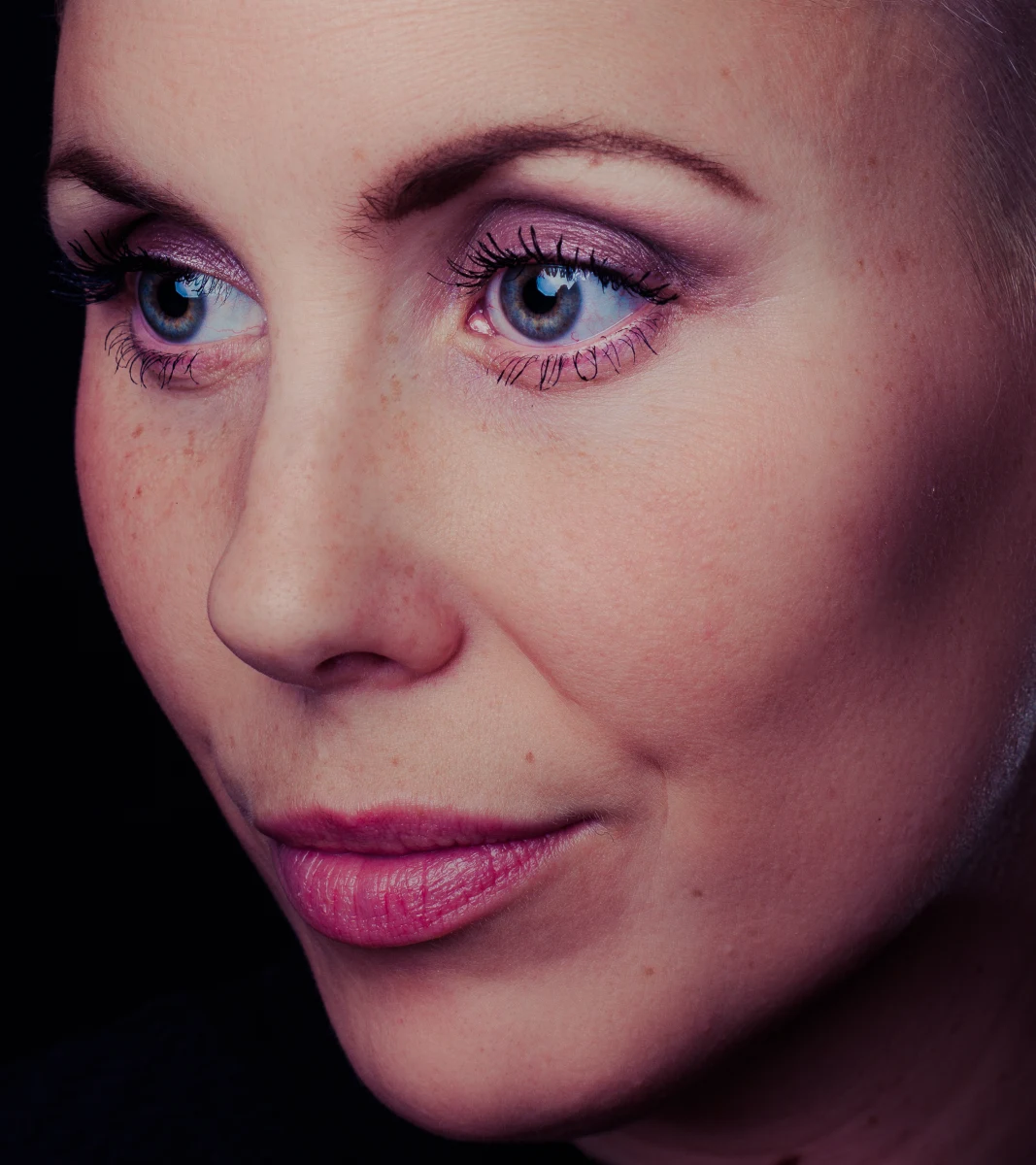
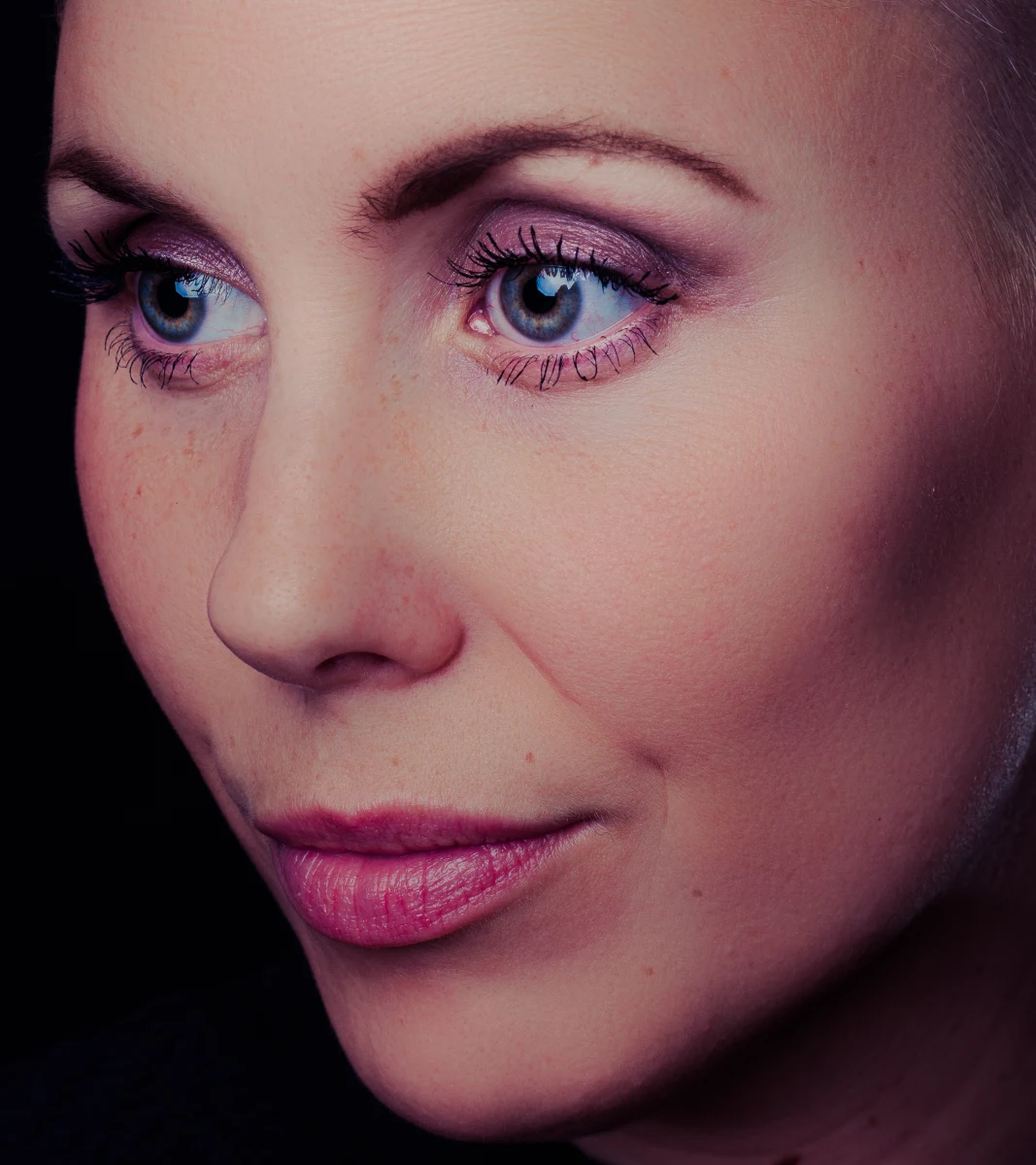
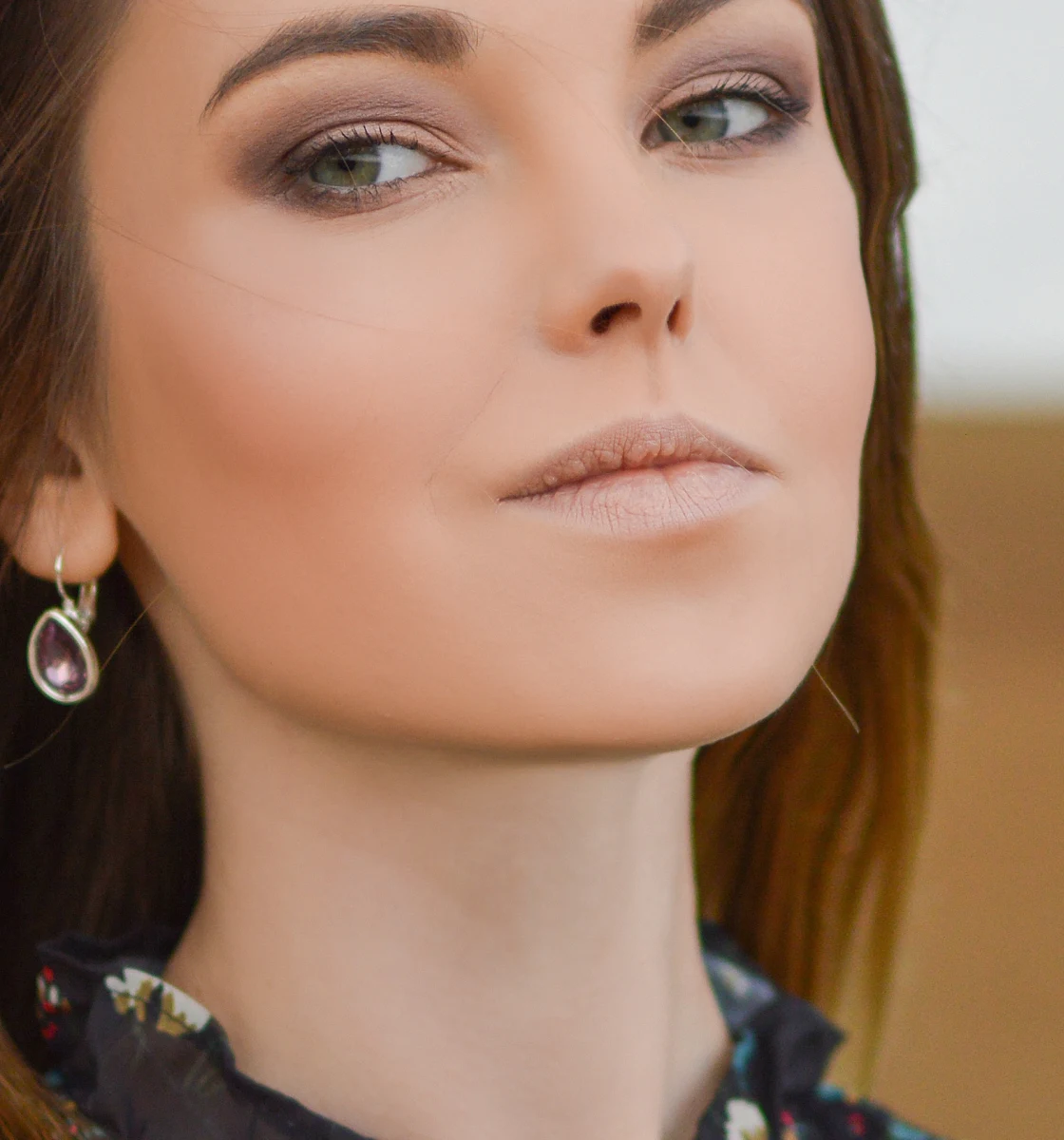
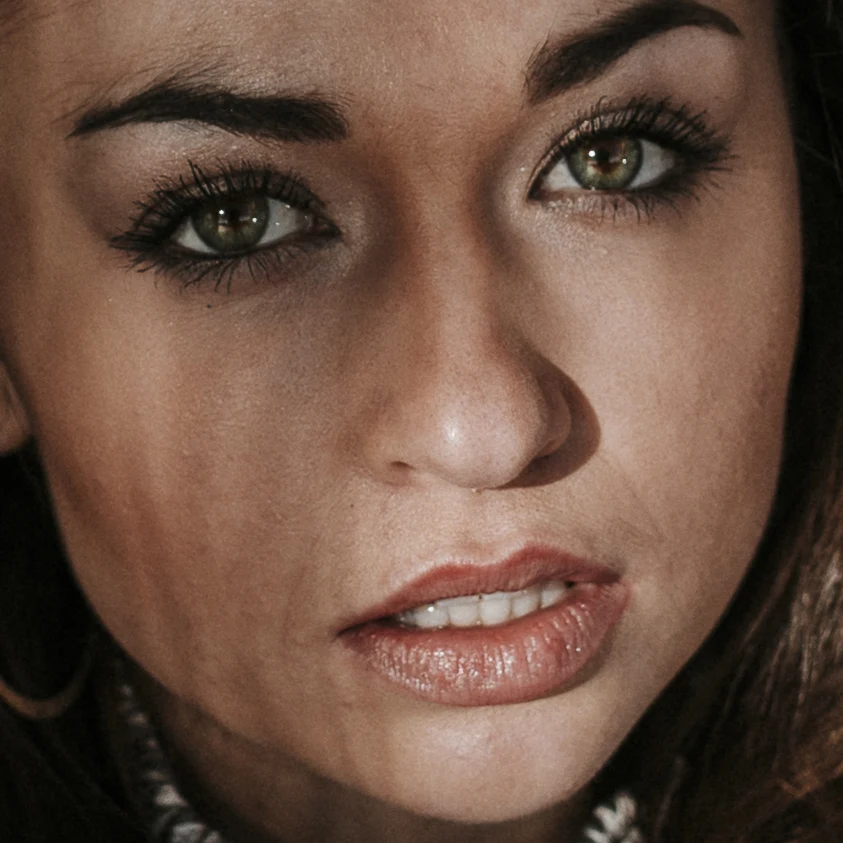
Heal removes blemishes while keeping pores and freckles — beforeHeal removes blemishes while keeping pores and freckles — afterAfterBefore

Heal

Automatic blemish removal that keeps real skin

Heal finds acne, spots and small marks on face, neck, arms and body, then repairs them the way a retoucher does: tone is filled smoothly from the surroundings and real skin texture is cloned in from nearby, so pores carry straight through. Freckle clusters are recognised and left alone.

  • Detects spots of any size relative to the face
  • Keeps freckles and moles (optional)
  • Texture-preserving two-band healing
  • Works on face and body skin
More about Heal →
Dodge & Burn evens light and shadow, keeps the face's shape — beforeDodge & Burn evens light and shadow, keeps the face's shape — afterAfterBefore

Dodge & Burn

AI dodge & burn you can keep editing

Dodge & Burn maps the small lumps, dips and patchy shading on skin and corrects them with two Curves layers — exactly how high-end retouchers work by hand. Each layer has its own mask, so you can repaint, strengthen or fade the result like your own D&B.

  • Micro, meso and macro (sculpting) scales
  • Skin texture untouched
  • Face, neck, arms and shoulders
  • Curves or Soft Light output
More about Dodge & Burn →
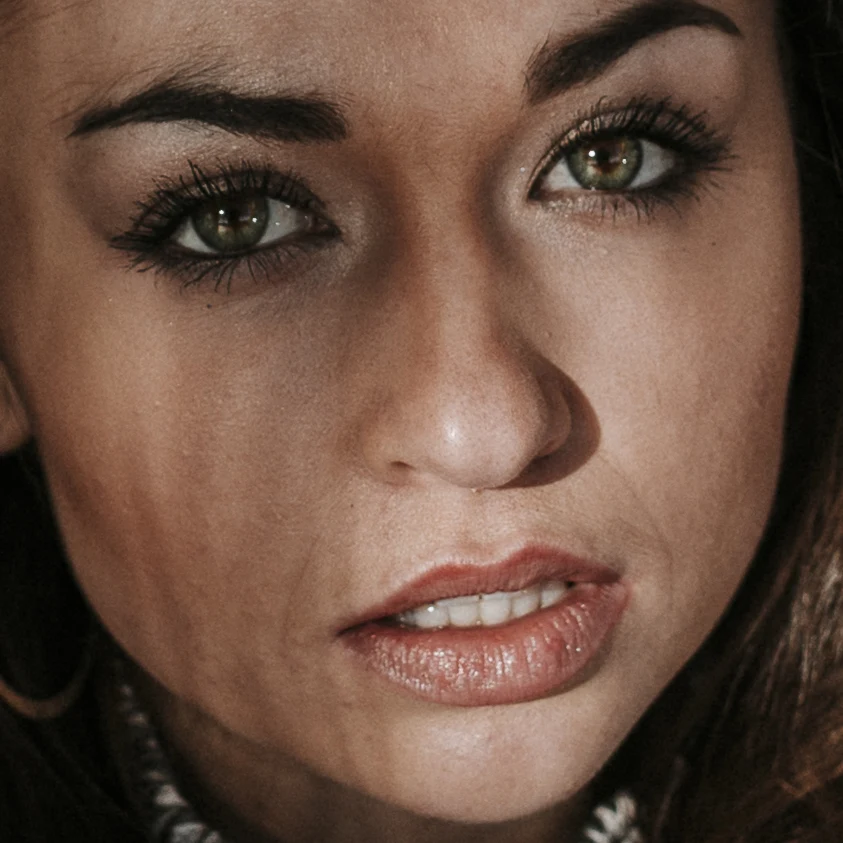
Skin Tone evens redness on the cheeks and nose — beforeSkin Tone evens redness on the cheeks and nose — afterAfterBefore

Skin Tone

Even out redness and blotchy skin tone

Skin Tone measures each person's own skin colour and evens out red patches, yellow areas and blotches with a single Color-mode fill and a mask. Light and texture stay exactly as they were.

  • Per-person skin colour
  • Luminosity and texture untouched
  • Strength = layer opacity
More about Skin Tone →
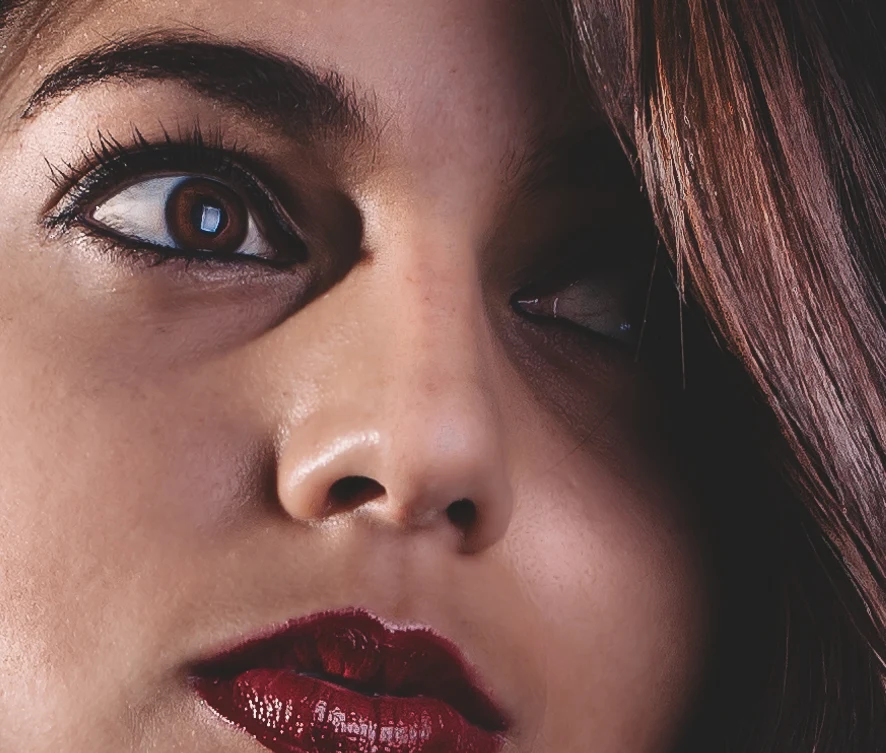
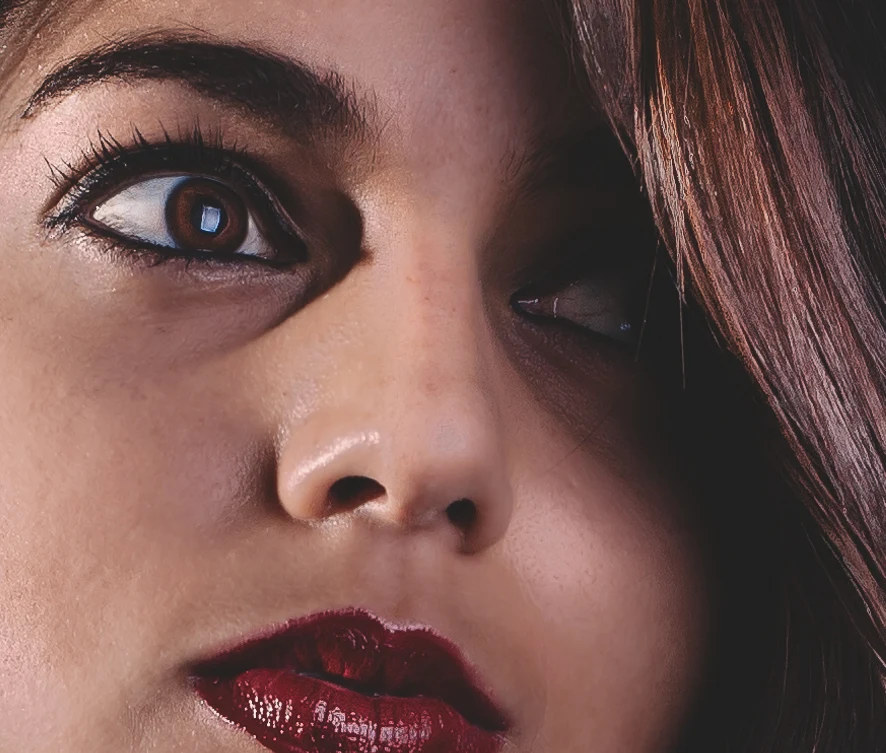
Mattify reduces shine on the nose and cheeks — beforeMattify reduces shine on the nose and cheeks — afterAfterBefore

Mattify

Remove shine and oily hot spots

Mattify finds specular shine on forehead, nose and cheeks and pulls it back with a masked Curves layer, then restores the true skin colour underneath. Natural highlights that give a face shape are kept.

  • Targets shine, not form
  • Colour restored under hot spots
  • Fully adjustable
More about Mattify →
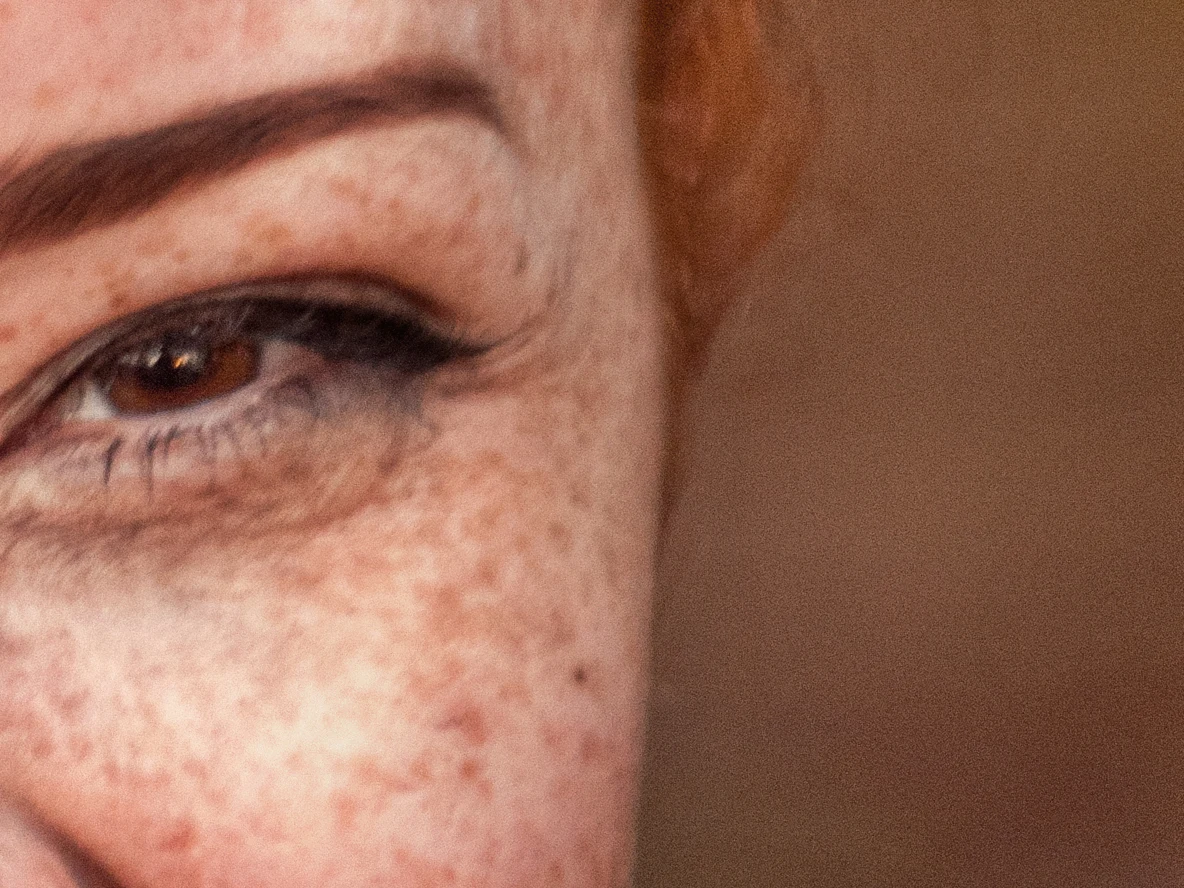
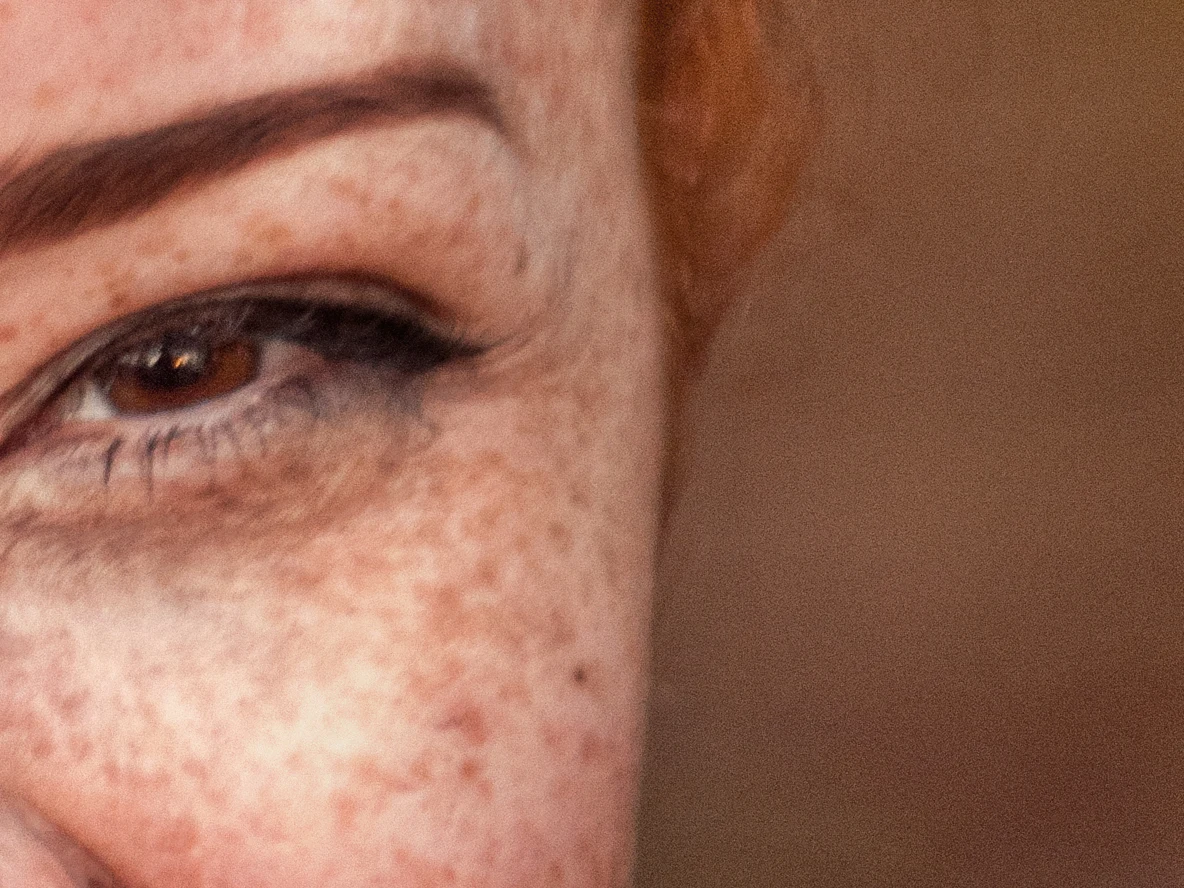
Crow's feet softened, freckles kept — beforeCrow's feet softened, freckles kept — afterAfterBefore

WrinklesPro

Soften wrinkles naturally — you choose how much

Wrinkles traces fine lines on forehead, around the eyes and on the neck, and softens them with the same texture-preserving heal. The result is a layer whose opacity is your amount: soften by half for a natural look, or remove entirely.

  • Crow's feet, forehead, under-eye and neck lines
  • Amount slider (layer opacity)
  • Optional learned wrinkle detector
More about Wrinkles →
Eye Bags lightens dark circles; lashes and texture kept — beforeEye Bags lightens dark circles; lashes and texture kept — afterAfterBefore

Eye BagsPro

Rested eyes without the plastic look

Eye Bags measures how much darker and bluer the under-eye area is than the cheek just below, and lifts only that difference with a Curves layer and a colour layer. Lashes, pores and fine texture stay exactly as they were.

  • Dark circles and tear-trough shadows
  • Blue/purple tint neutralised
  • Texture and lashes untouched
More about Eye Bags →
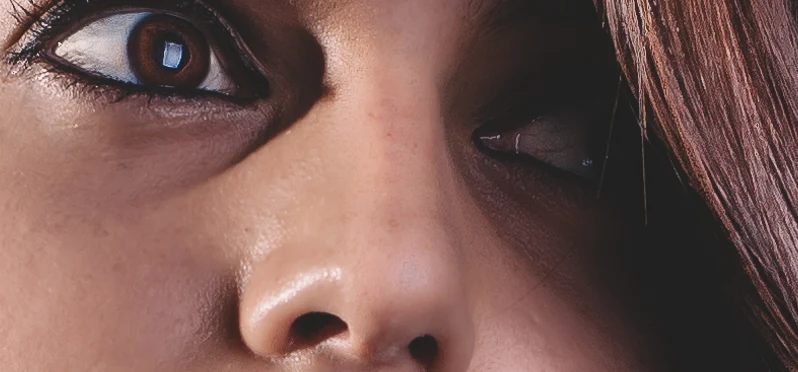
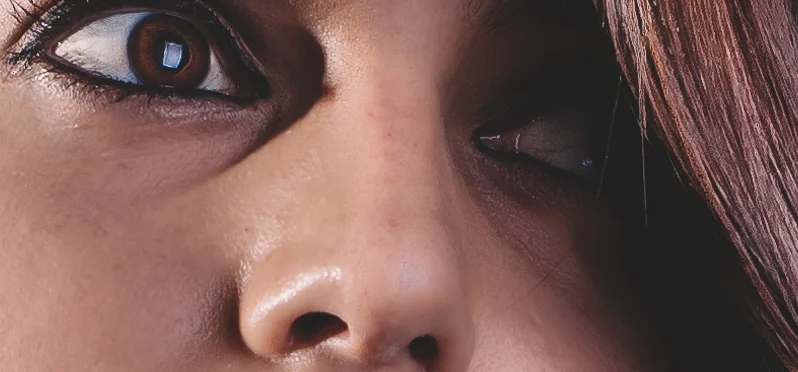
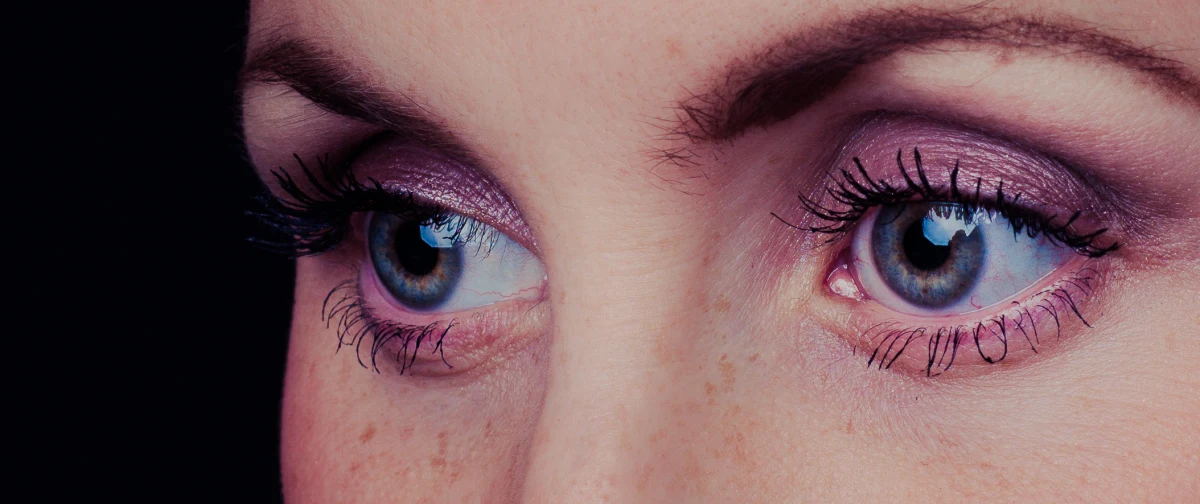
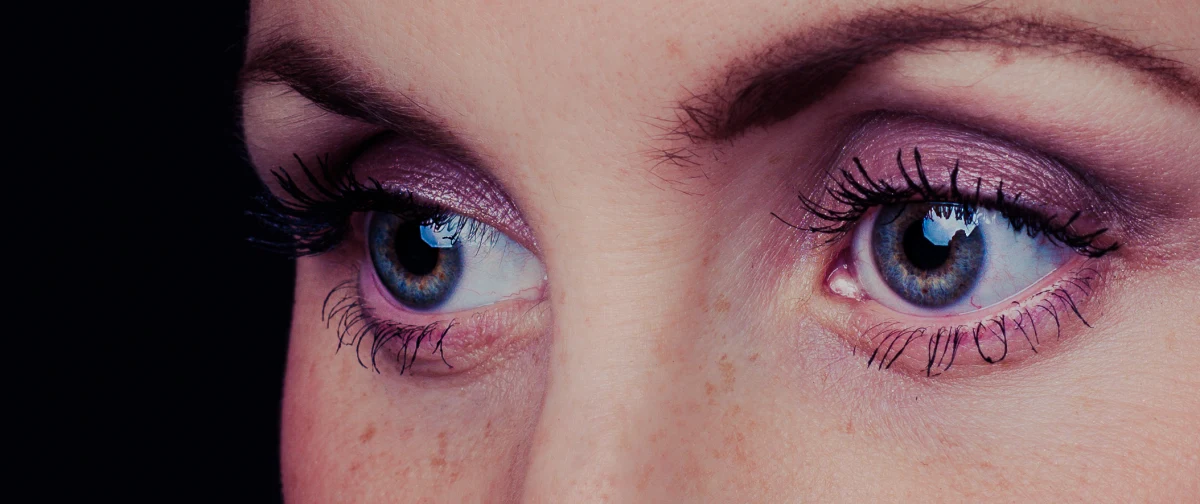
Eyes: whiter sclera, fewer red vessels, brighter iris — beforeEyes: whiter sclera, fewer red vessels, brighter iris — afterAfterBefore

Eyes

Brighter, clearer eyes in one click

Eyes whitens the sclera, removes red vessels and adds contrast and crispness to the iris — each as its own layer, precisely masked to the eye so lashes and lids are never touched.

  • Precise eye, iris and pupil masks
  • Vessel removal
  • Iris brilliance
More about Eyes →
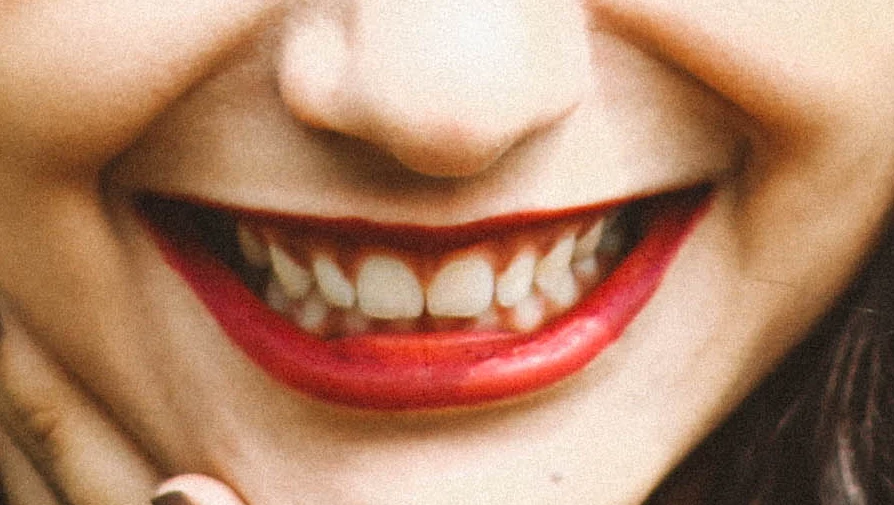
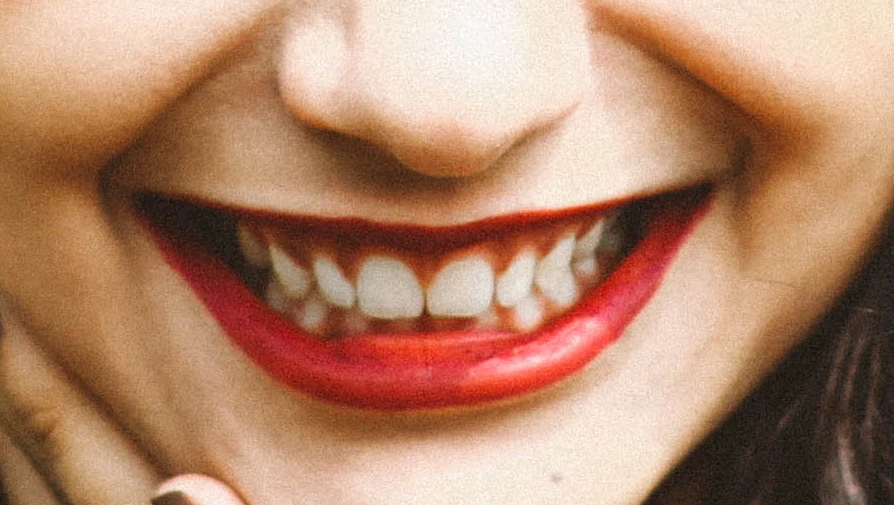
Teeth whitened, lips and gums untouched — beforeTeeth whitened, lips and gums untouched — afterAfterBefore

Teeth

Natural teeth whitening

Teeth finds the teeth inside the mouth and removes yellow casts with a Hue/Saturation layer — gums, lips and tongue stay their natural colour. Nothing is added when the mouth is closed.

  • Mouth-aware mask
  • Removes yellow, keeps realism
  • Editable ranges
More about Teeth →
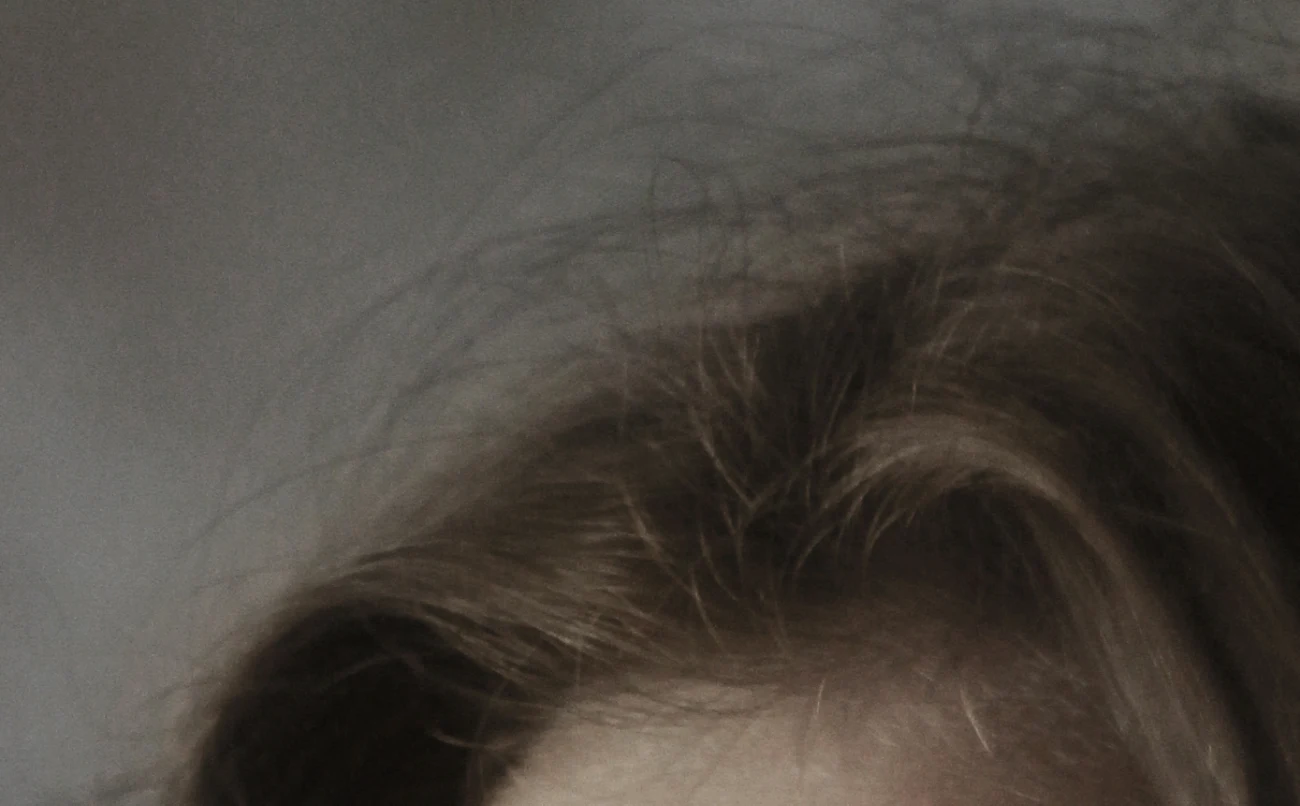
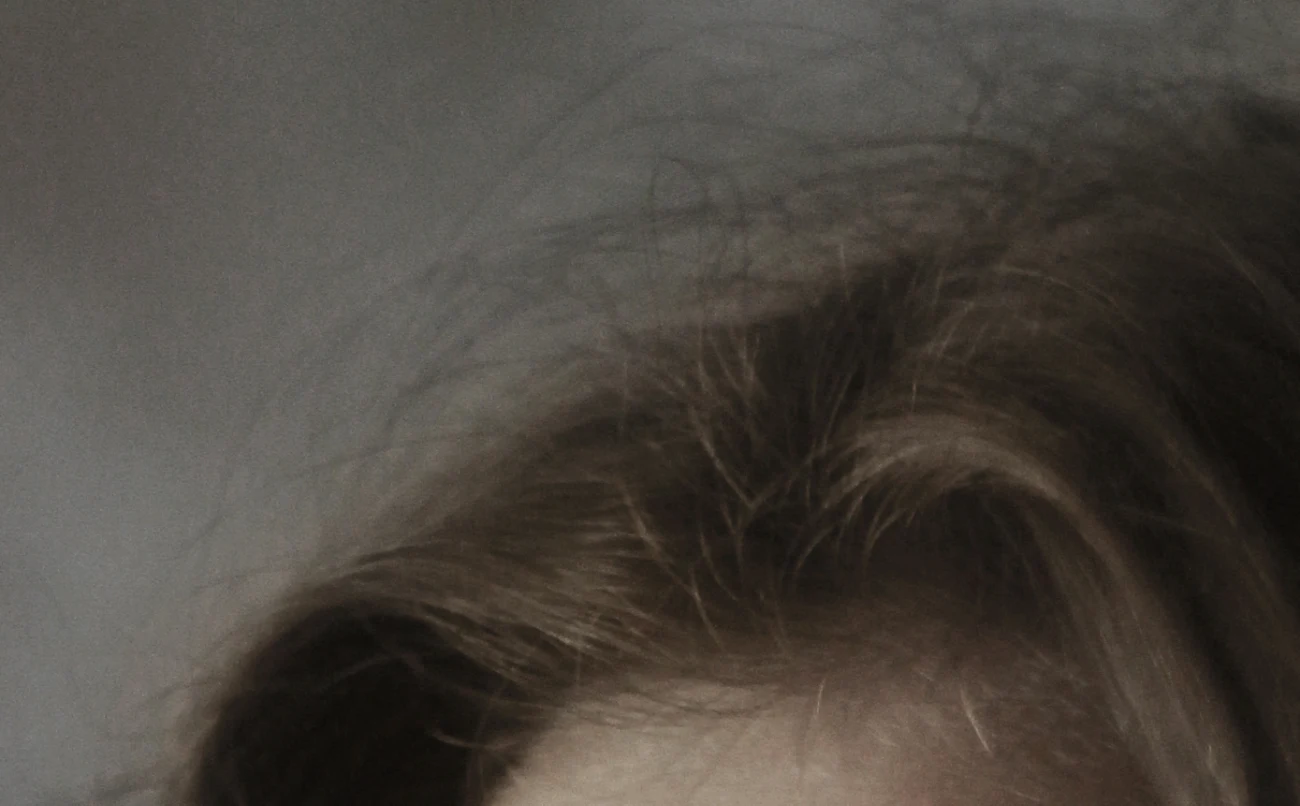
Hair removes flyaway strands (sensitivity 0.9); the hair itself is untouched — beforeHair removes flyaway strands (sensitivity 0.9); the hair itself is untouched — afterAfterBefore

HairPro

Clean hair silhouettes in one click

Hair finds the main hair mass and removes thin flyaway strands that stick out against the background, filling them from the surrounding backdrop. The hairline and the hair itself are never touched.

  • Flyaways against the background
  • Hair mass and edges kept
  • Sensitivity slider
More about Hair →
Portrait Lift: firmer jawline and lifted mouth corners (default settings) — beforePortrait Lift: firmer jawline and lifted mouth corners (default settings) — afterAfterBefore

Portrait LiftPro

A subtle lift that still looks like them

Portrait Lift reads the face landmarks and gently firms the jawline, lifts the lower cheeks and mouth corners — at most a few percent of the face width, and never around the eyes or glasses. It is a masked layer, so you can dial it back with opacity.

  • Jawline, cheeks, mouth corners, optional brows
  • Eyes and glasses never move
  • Strength slider and per-zone switches
More about Portrait Lift →
▭

Clean BackdropPro

Studio backdrop cleanup

Clean Backdrop separates the person from the background, removes dust and scuffs, and flattens folds and uneven gradients on seamless paper — without touching hair or skin.

  • AI subject separation
  • Dust and scuff removal
  • Fold and gradient flattening
More about Clean Backdrop →
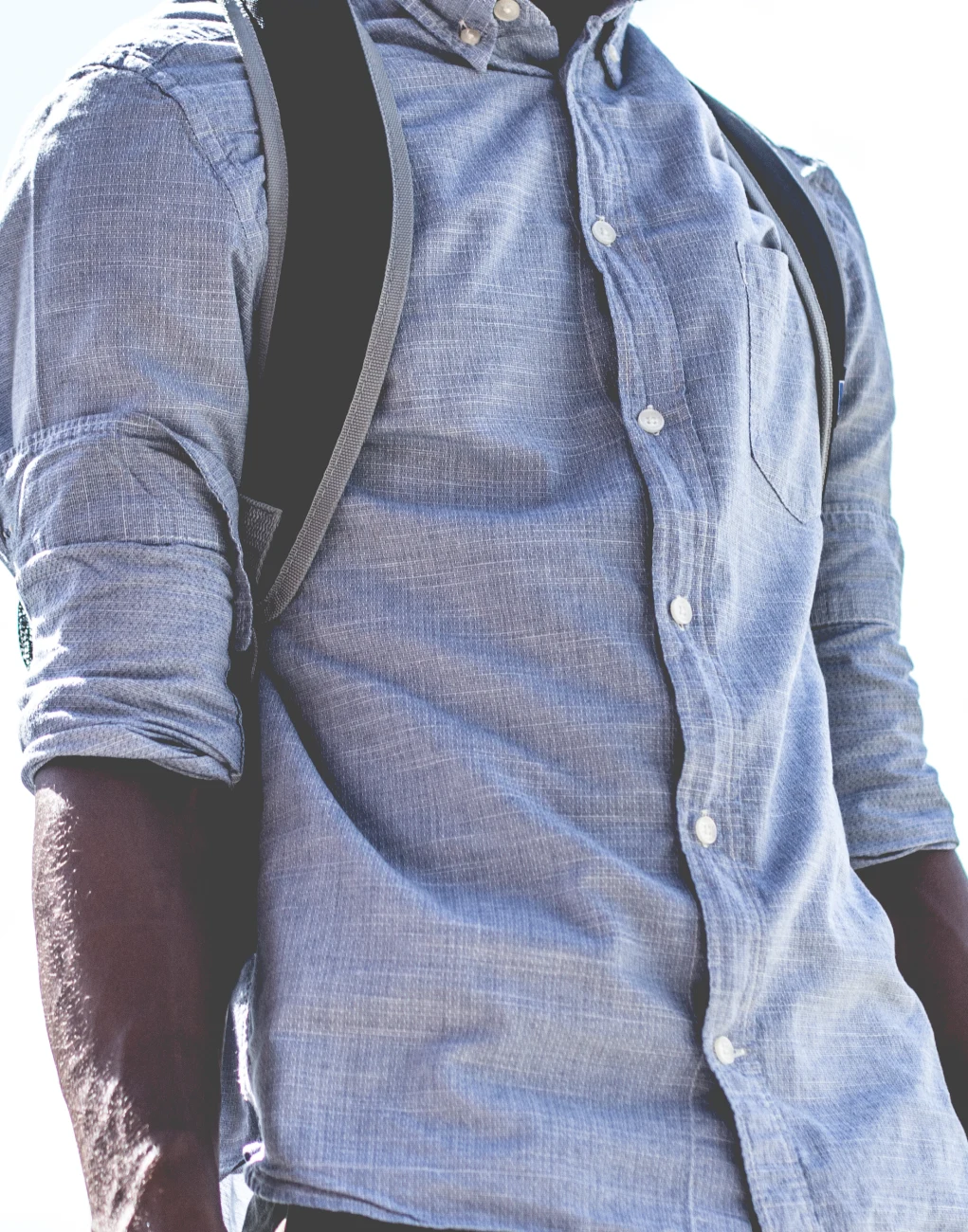
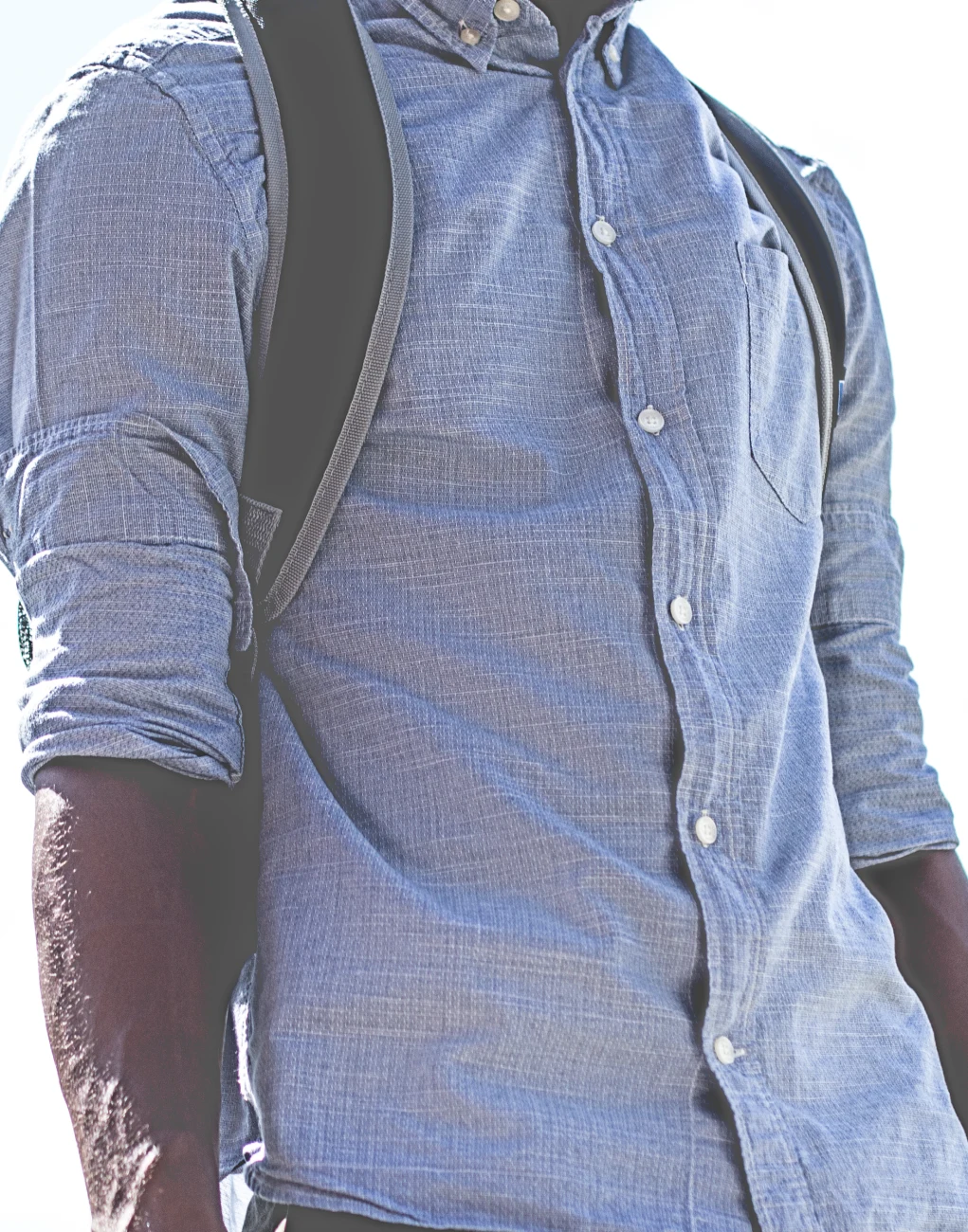
Fabric with a selection: shirt creases softened, weave and pocket kept — beforeFabric with a selection: shirt creases softened, weave and pocket kept — afterAfterBefore

FabricProBeta

Smooth fabric creases

Fabric evens out creases and soft folds on clothing with masked Curves layers, keeping the weave, print and pattern intact. Use the automatic clothing mask or your own selection.

  • Automatic clothing mask or your selection
  • Patterns and weave preserved
  • Soft creases and large folds
More about Fabric →

Retouch your next shoot in minutes

Free core tools forever. Join the waitlist to get the download first, with founder pricing for Pro.